3d from a photo
A 3D model of furniture from a photo
A photo of a sofa, an armchair, a lamp or a vase – a 3D model for 3ds Max, SketchUp and Blender in exact sizes. No need to search stock sites or build it by hand.
before → after
Photo → 3D model
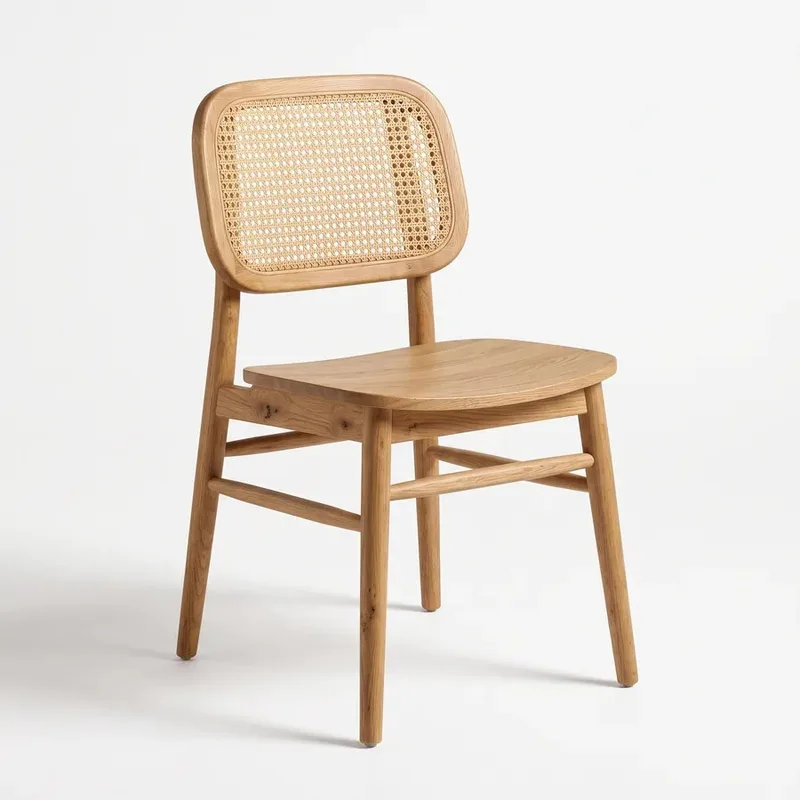 Photo
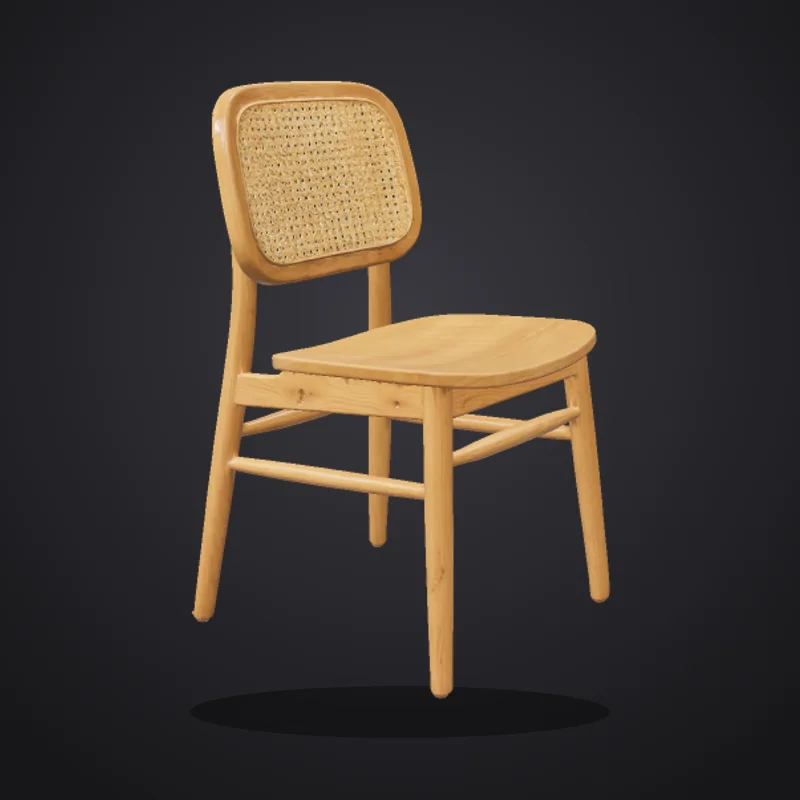 3D model
A real model made on the site: a 45 × 50 × 82 cm chair, “Wide shot”, about two minutes.
three steps
How to make a 3D model from a photo
1
Upload a photo of the object
One whole object: a photo from a store website, a catalog or your own. Have photos from the sides and back – add them for a more accurate model (optional). We remove the background.
2
Enter the sizes
Width, depth and height – in cm or inches, by voice or a photo of the price tag or drawing. Don't know – the AI estimates.
3
Download the files
FBX for 3ds Max, GLB for SketchUp and Blender, OBJ for other apps. Usually 1–4 minutes.
two types
Which model to choose
Wide shot
30 creditsObjects in mid and far shots, filling a scene, decor, soft shapes. Detail level of your choice: from 30 thousand triangles for a light scene to 1.5 million for a close-up.
Detailed
80 creditsClean smooth shapes and a quad mesh, like a 3D modeler would make: for close-ups and the hero object. The model is light, easy to edit and smooth.
files
A model ready to use
Exact sizes
Every side exactly as you entered, in centimeters; we convert inches and millimeters.
Stands on the floor
The pivot is at the bottom center: the model drops into a scene without adjustment.
Oak and linen – or your materials
Seamless light oak and linen textures in real-world scale – they lie evenly and are easy to replace. In a “Detailed” model each part is a separate object.
Change the size later
You can set other sizes for a finished model – free, the files are rebuilt.
Clean mesh – built in
A clean quad mesh in one click on a finished model: no need to open 3ds Max with a retopology script. 30 credits.
questions
FAQ
Which apps does the model work with?
FBX opens in 3ds Max (Z up, as usual in Max), GLB – in SketchUp, Blender and on websites, OBJ – in almost all other apps: Cinema 4D, ArchiCAD, Revit, Corona and V-Ray scenes.
How much does a 3D model cost?
A “Wide shot” model is 30 credits, a “Detailed” one 80 credits. 3D models come with a subscription: plans “Start”, “Designer”, “Active Designer”, “Studio”. If it fails for a technical reason, the credits come back automatically.
Do I need to retopologize the model in 3ds Max?
No, it is built in. A finished model has a “Clean mesh” button: a new clean quad mesh is built over the model – 2,000, 5,000 or 10,000 quads, with the same sizes and materials. A second model appears next to it, the original stays. It costs 30 credits. You need it when the model has to be edited, smoothed, shown in a close-up or placed in a heavy scene; for an object in the far background you can do without it. Caning and openwork details don't become a clean mesh.
What about the side not visible in the photo?
With one photo, the AI imagines the back side from the object's shape – a front view slightly from the side with the whole object visible works best then. Have photos from the sides and back – add them (up to 4 photos, optional): the AI sees the object from all sides and the model is more accurate. Same price.
Do I have to enter the sizes?
No, but with them the model is exact. You can type, dictate or photograph the price tag, a catalog page or a drawing – the AI finds the numbers and asks if they're right. Without sizes the AI estimates them from the photo, and you can change a finished model's size for free.
Where are the finished models kept?
In the project, together with photos and visualizations, and all at once in your account, the “3D models” section. They are kept as long as the project.
Make your first 3D model
Open the generator, the “3D model” section, and upload a photo of an object.
Make a 3D model