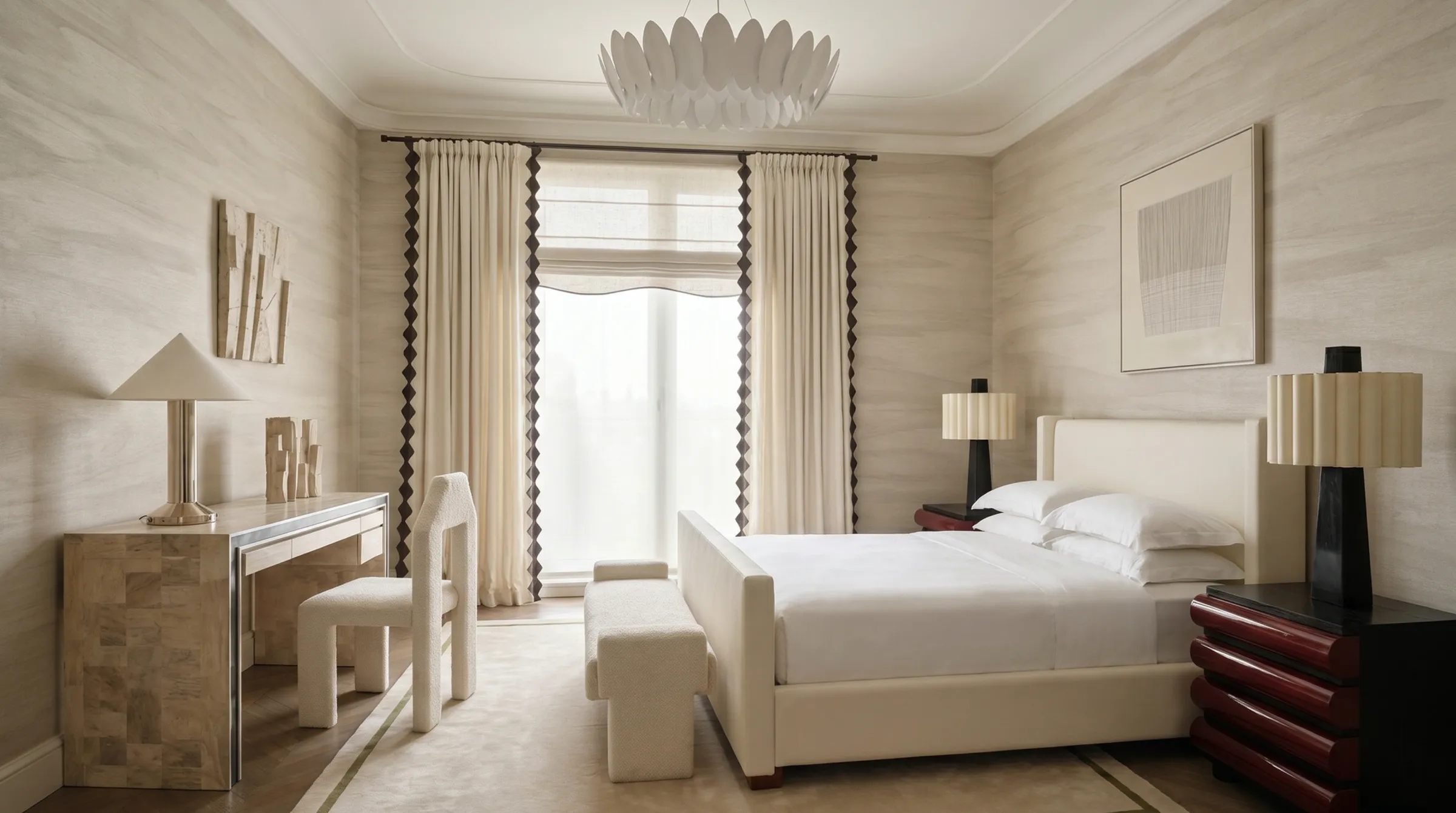
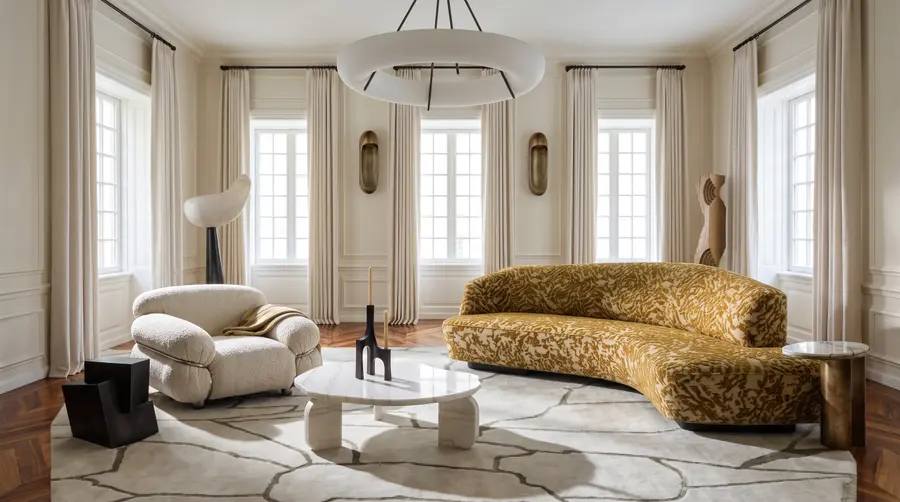
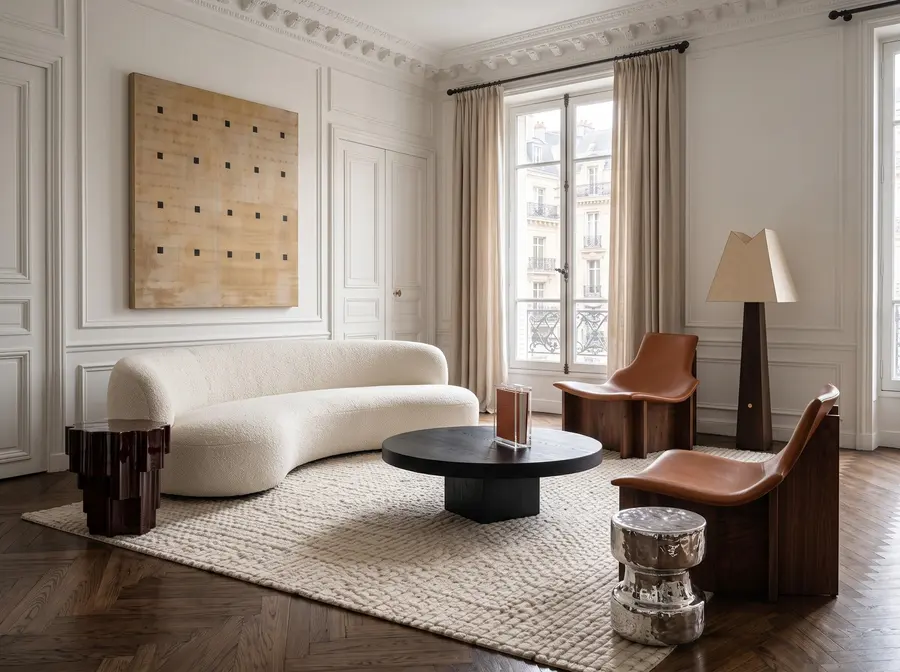
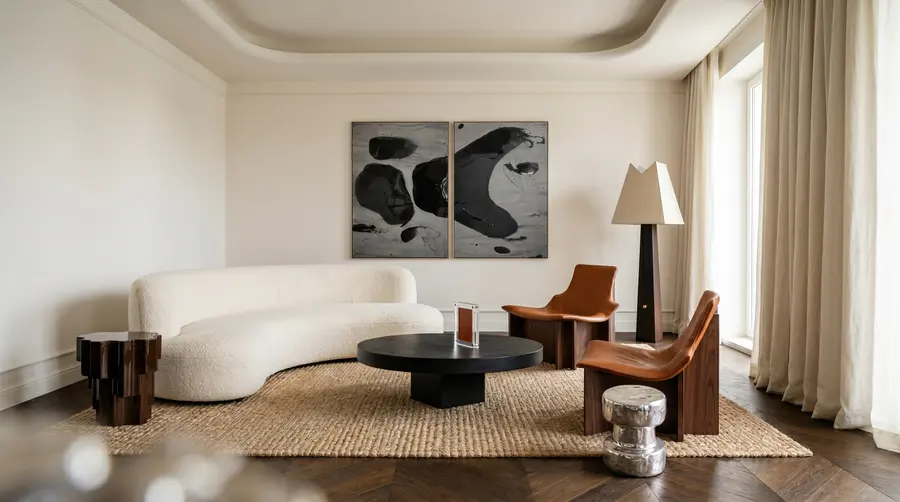
A platform for interior designers: Nano Banana, GPT Image and other AI models in one place.
A room photo, a sketch or a collage – up to 4K in a minute. Pick the model for the task and pay with credits.
Alina Lyutaya's ready-made prompts – at no extra cost
Pay by card or PayPal, no watermarks


on now · until Nov 30, 23:59 Moscow time
Black Friday
- up to +250 credits on your first plan payment
- +30% credits on every credit pack
Bonus credits are valid for 30 days. Plan and pack prices stay the same.
Ends in
features
What CreateViz AI can do
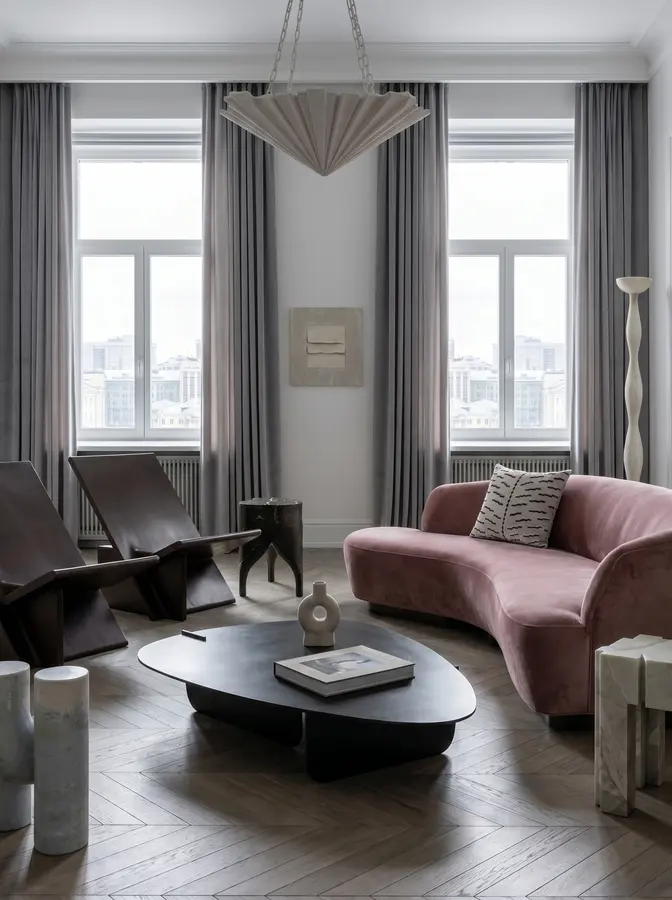
 Collage
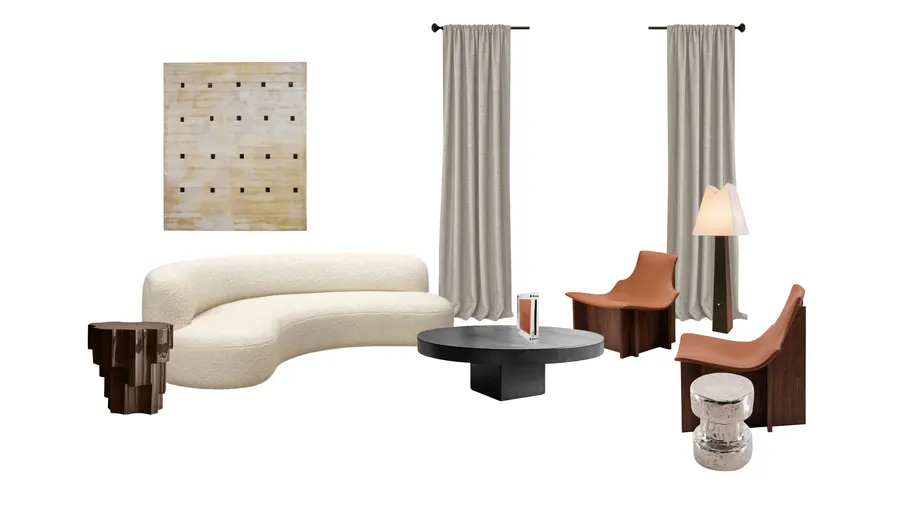
 Photo
Collage → photo
Put furniture and decor together in a collage – in our editor or your own – and get a photorealistic interior.
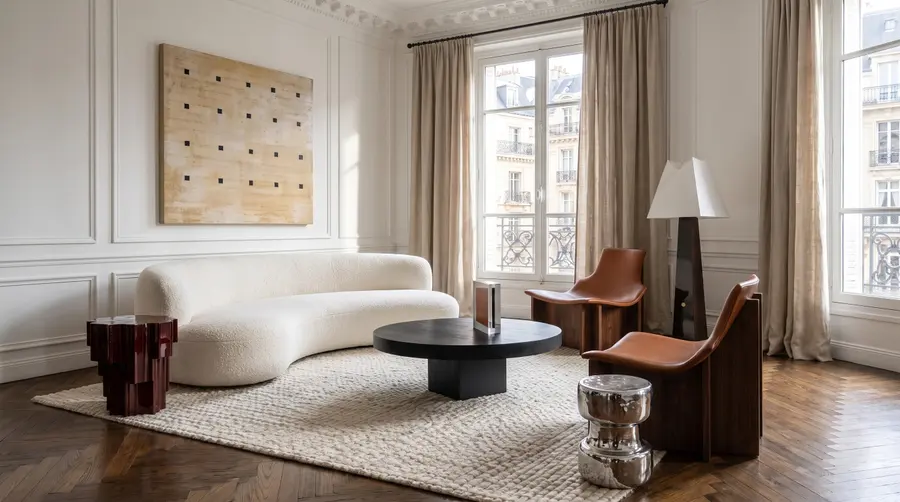
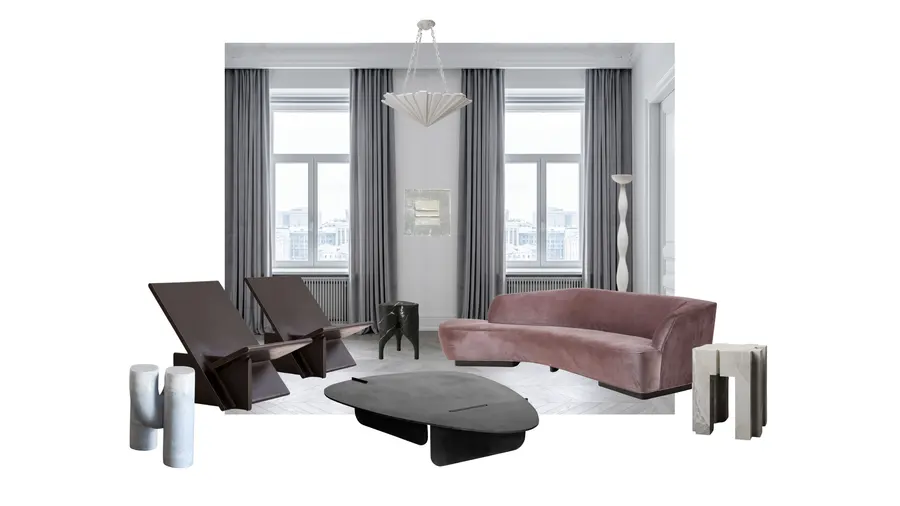 Collage
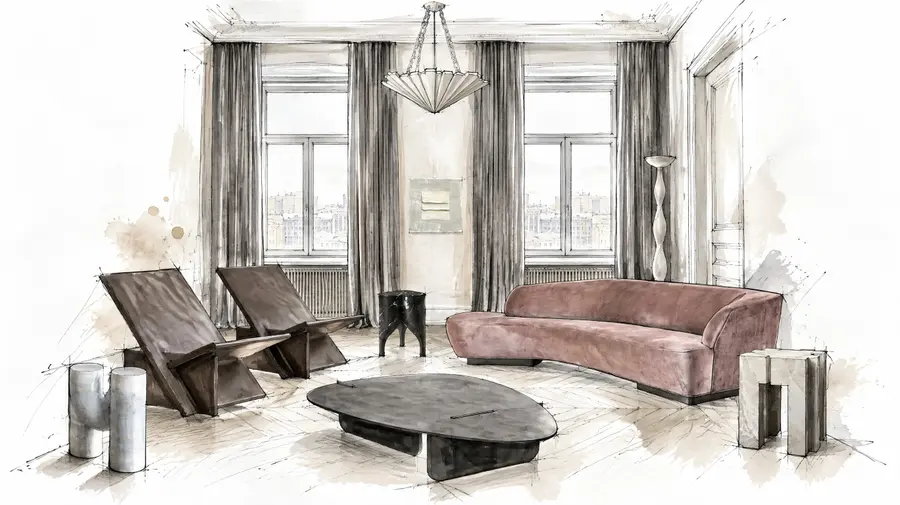 Sketch
 for a presentation
A collage or a photo – into a watercolor or graphic sketch for your client.
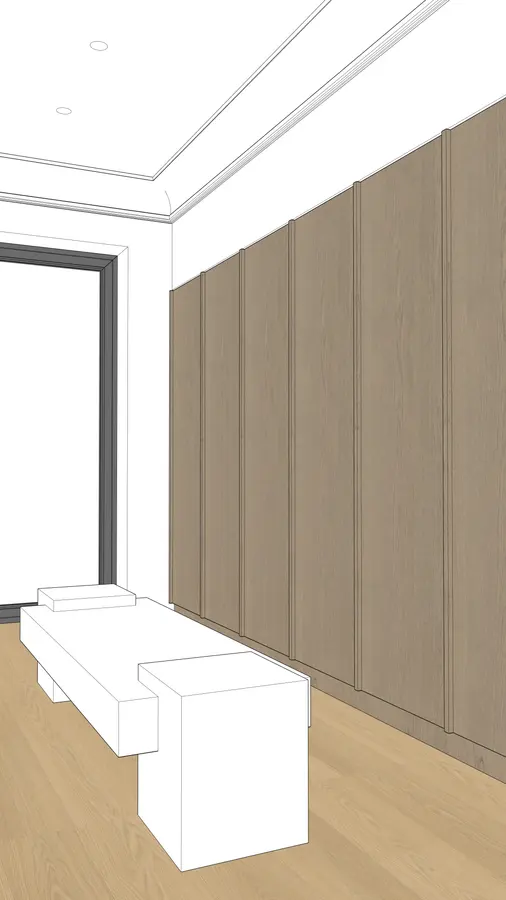 3D model
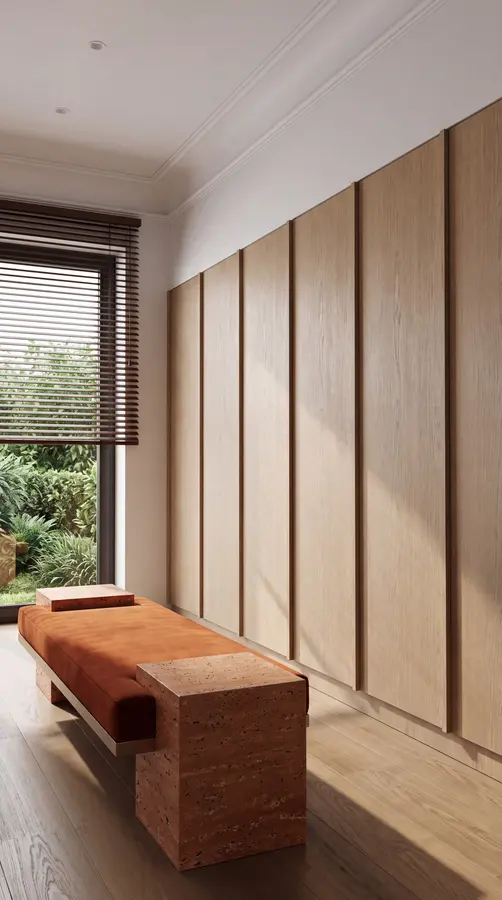 Photo
3D model → photo
A plain model from your 3D software – a photorealistic room with materials and light.
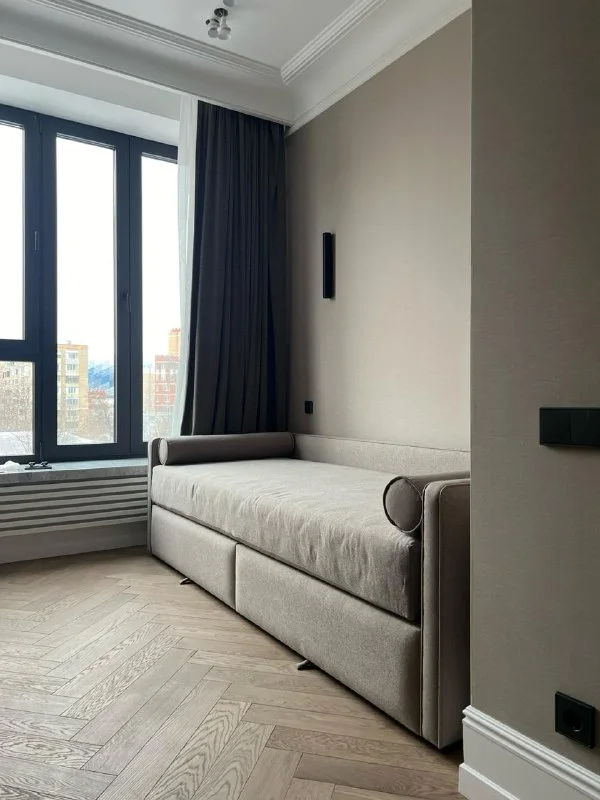 Before
 After
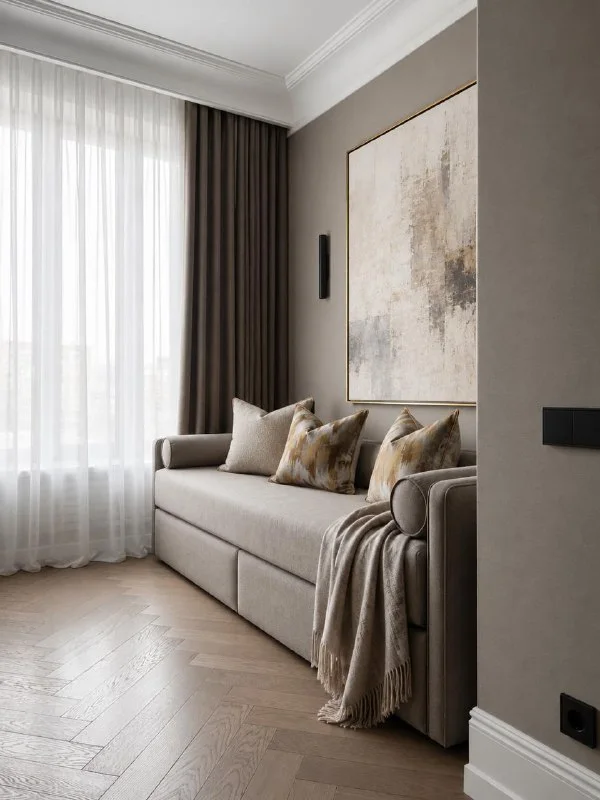
Room photo → new design
Upload a room photo and describe in words or by voice what to change: style, wall color, furniture, light.
Learn moreYour furniture – into a finished image
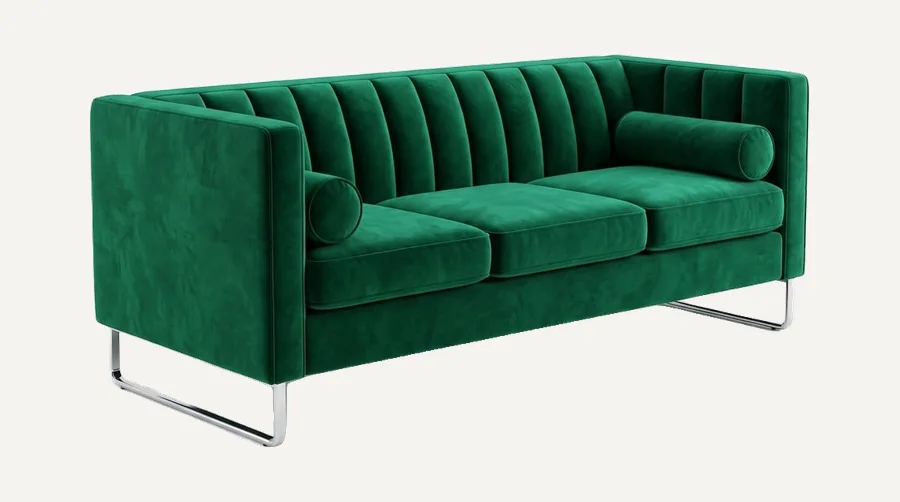
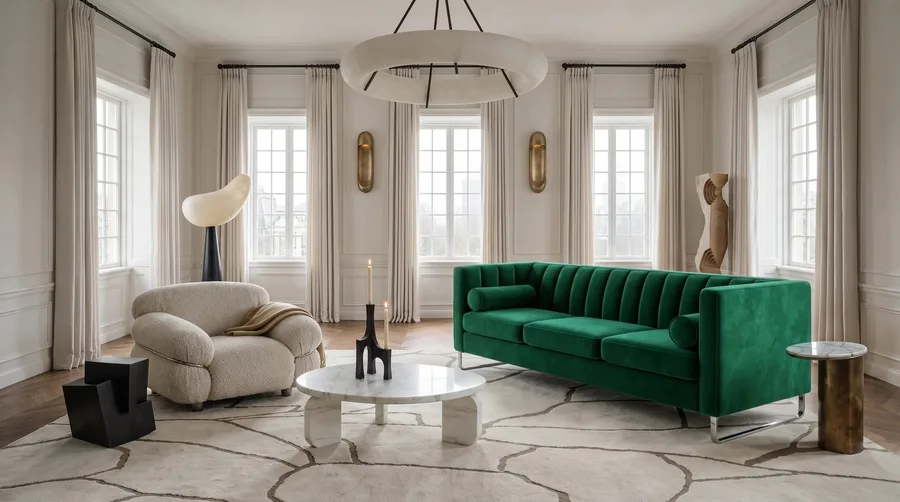
“Edit part”: paint over a piece in a finished render and add a photo of the exact product from a catalog. The AI places that very piece, and everything else – walls, light, other furniture – stays as it was. You can also remove a piece, recolor it or change its material.
Try it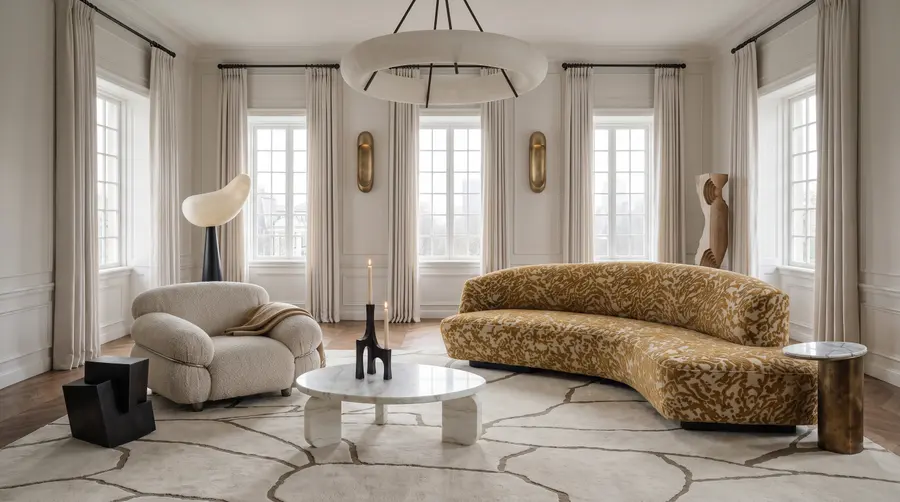 Before
 Sample
 After
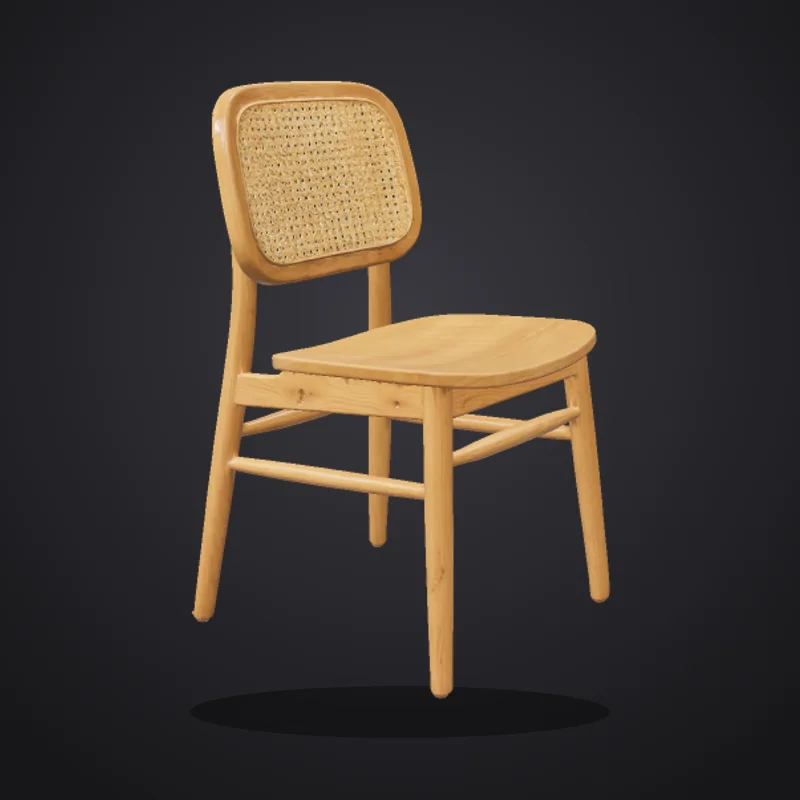
Object photo → 3D model
Furniture, a lamp or decor from a photo – into a 3D model for 3ds Max (FBX), SketchUp and Blender (GLB) and other apps (OBJ). In exact sizes: type, dictate or photograph the price tag. From 30 credits, with a subscription.
Learn more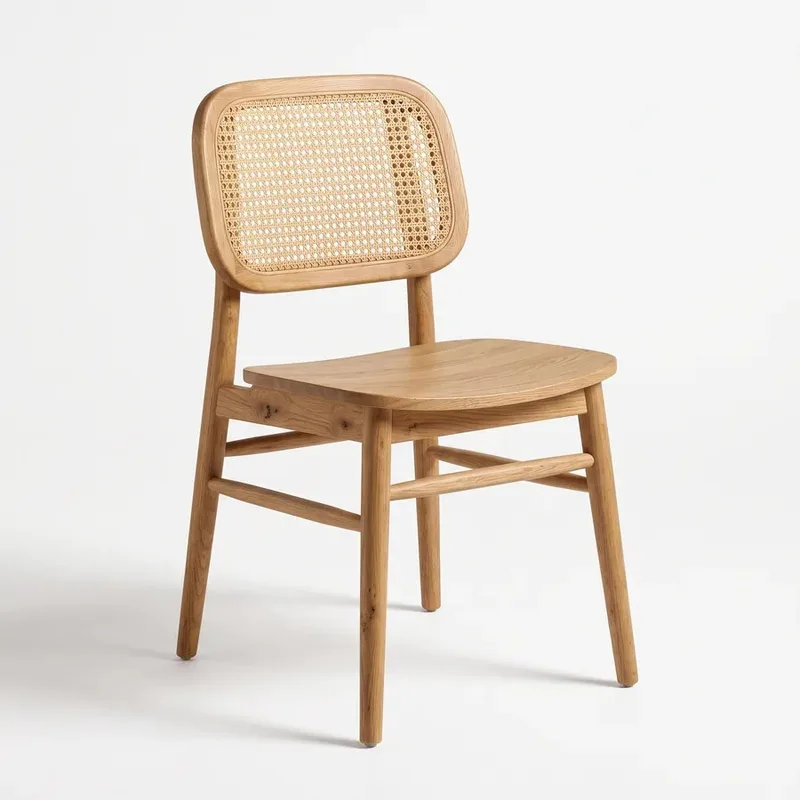 Photo
 3D model
Up to 4K
Photorealistic results up to 4K (4K – in Nano Banana Pro, GPT Image 2.5, Nano Banana 2.1), no watermarks. Drag the slider: 1080 on the left, 4K on the right.
Try it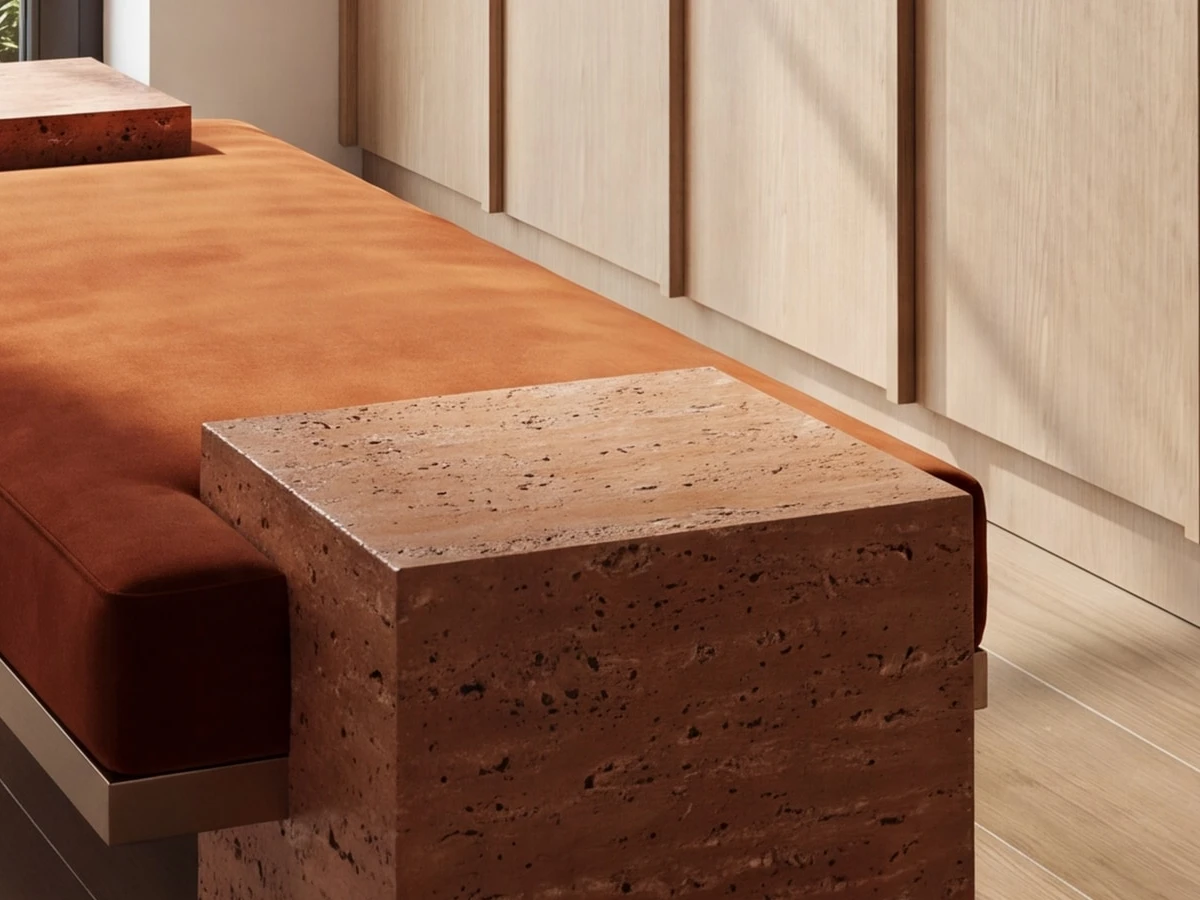
 10804K
four steps
How it works
1
Describe the task
In words or by voice – or pick a ready-made prompt by Alina Lyutaya.
2
Add references
Room photo, sketch, furniture, materials – up to 8 images. Or build a scene from furniture in the collage editor first.
3
Choose a model
Each has its own character and credit price – you see it before you start.
4
Get the result
Refine it with additional prompts. Up to 4K (4K – in Nano Banana Pro, GPT Image 2.5, Nano Banana 2.1), usually within a minute.
Before and after
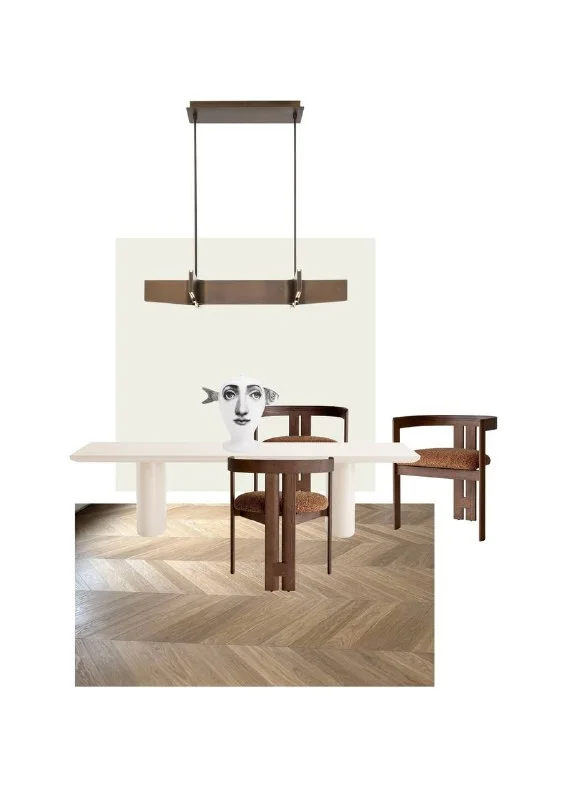 Before
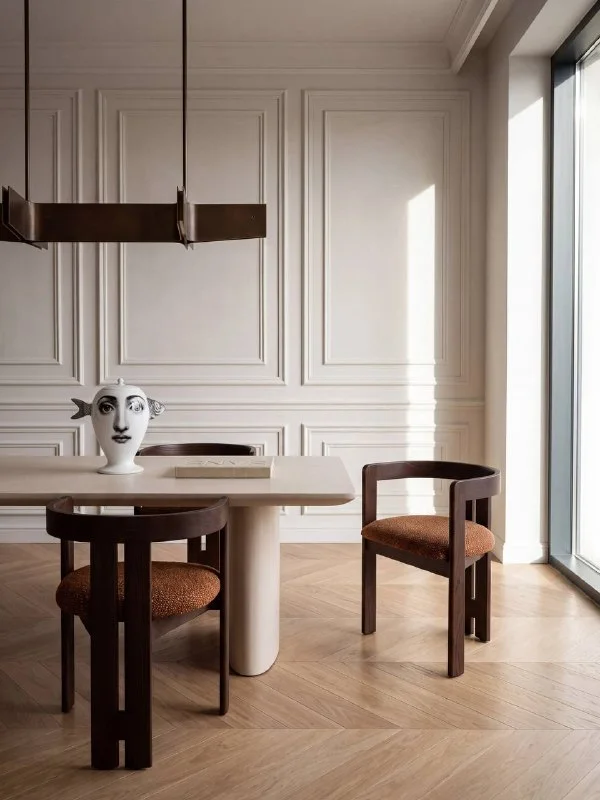 After
A furniture collage → a dining room photo
no extra cost
Alina's prompts
Ready-made, tested prompts for interior designers by Alina Lyutaya – in the generator on any plan at no extra cost: a generation with a prompt costs the usual credits. Pick a task and add a photo – no need to craft the wording. New prompts are added regularly.
 no extra costNano Banana Pro
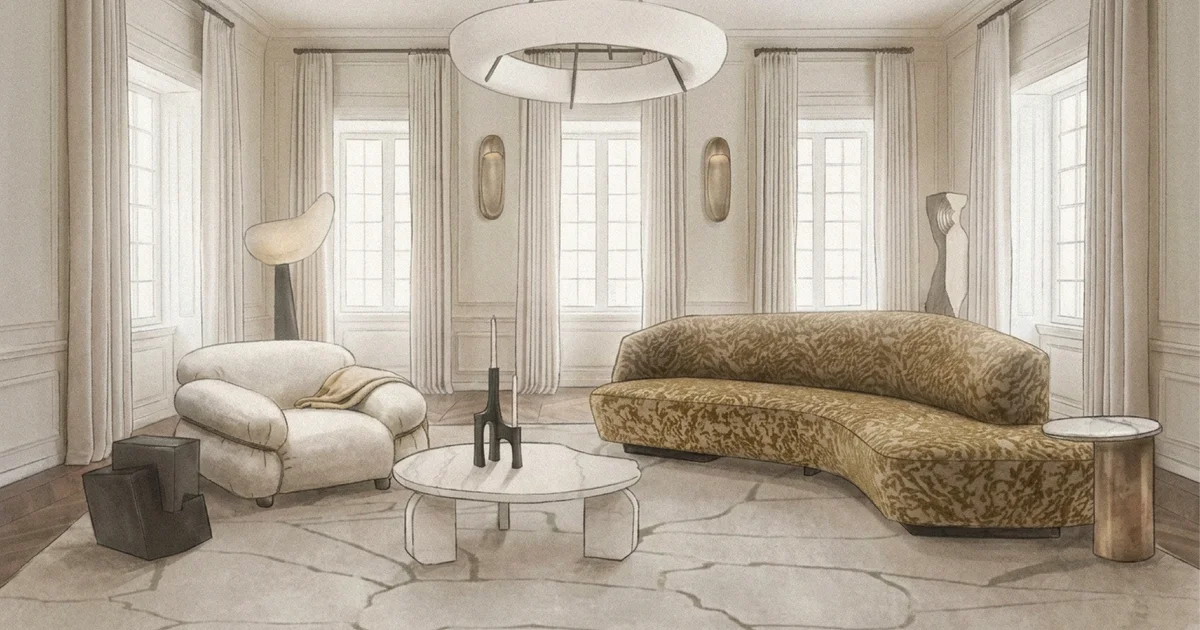
Collage → soft sketch
A calm architectural sketch with soft grainy graphics. Furniture, light and windows stay as in the collage.
Try it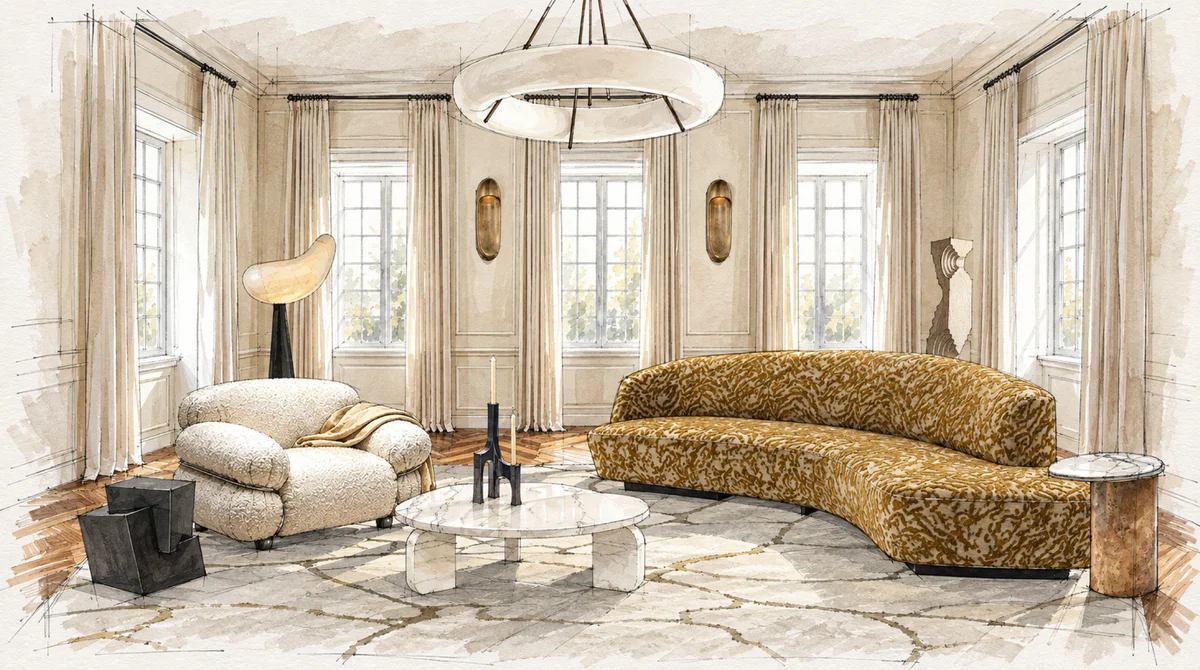 no extra costGPT Image 2.5
Collage → marker & watercolor sketch
A hand sketch for your portfolio: fineliner lines, marker shading and watercolor fading into the paper at the edges.
Try it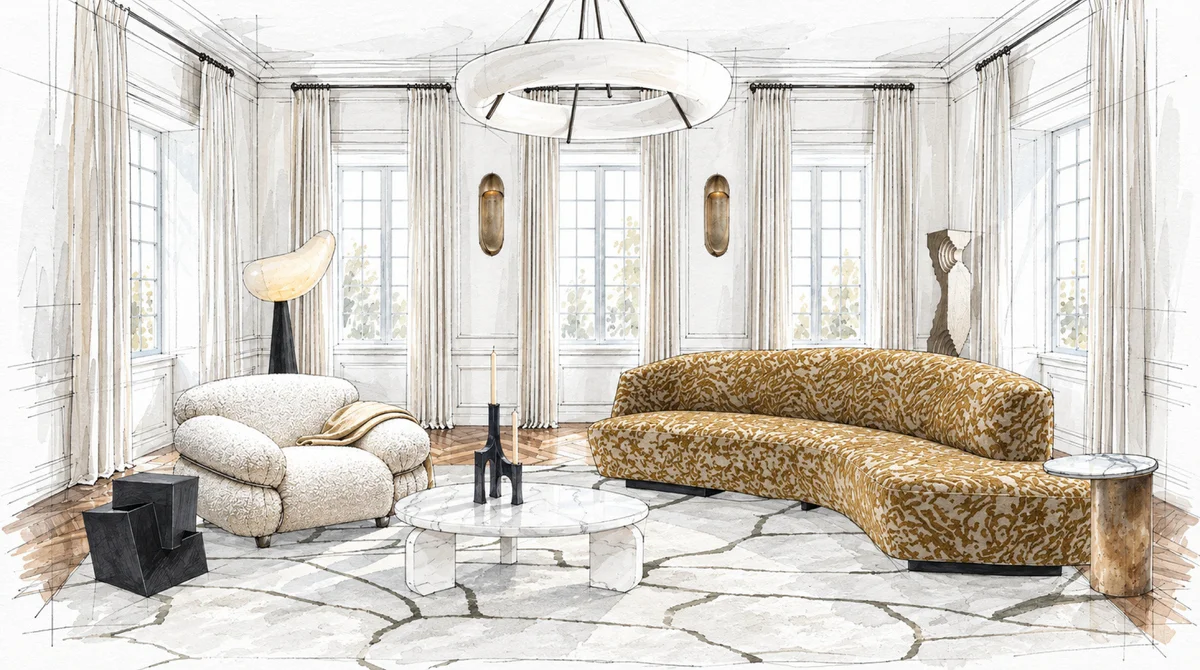 no extra costGPT Image 2.5
Collage → light watercolor sketch
The same hand sketch, but light and airy: lots of white paper, cool grey shadows, no warm tint.
Try it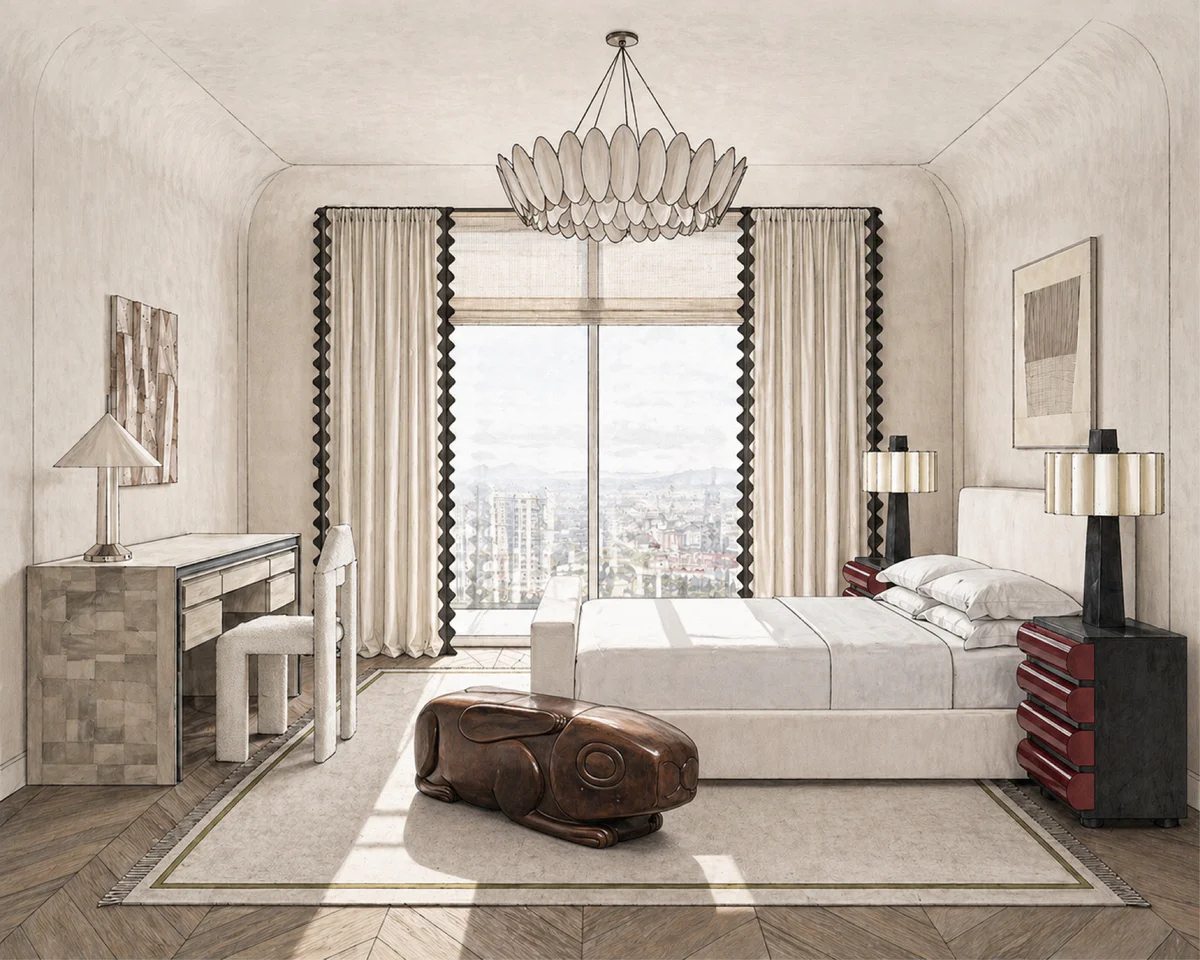 no extra costGPT Image 2.5
Collage → clean 3D sketch
Brings the collage furniture into one perspective: crisp lines, one window light, volume through light and shade.
Try it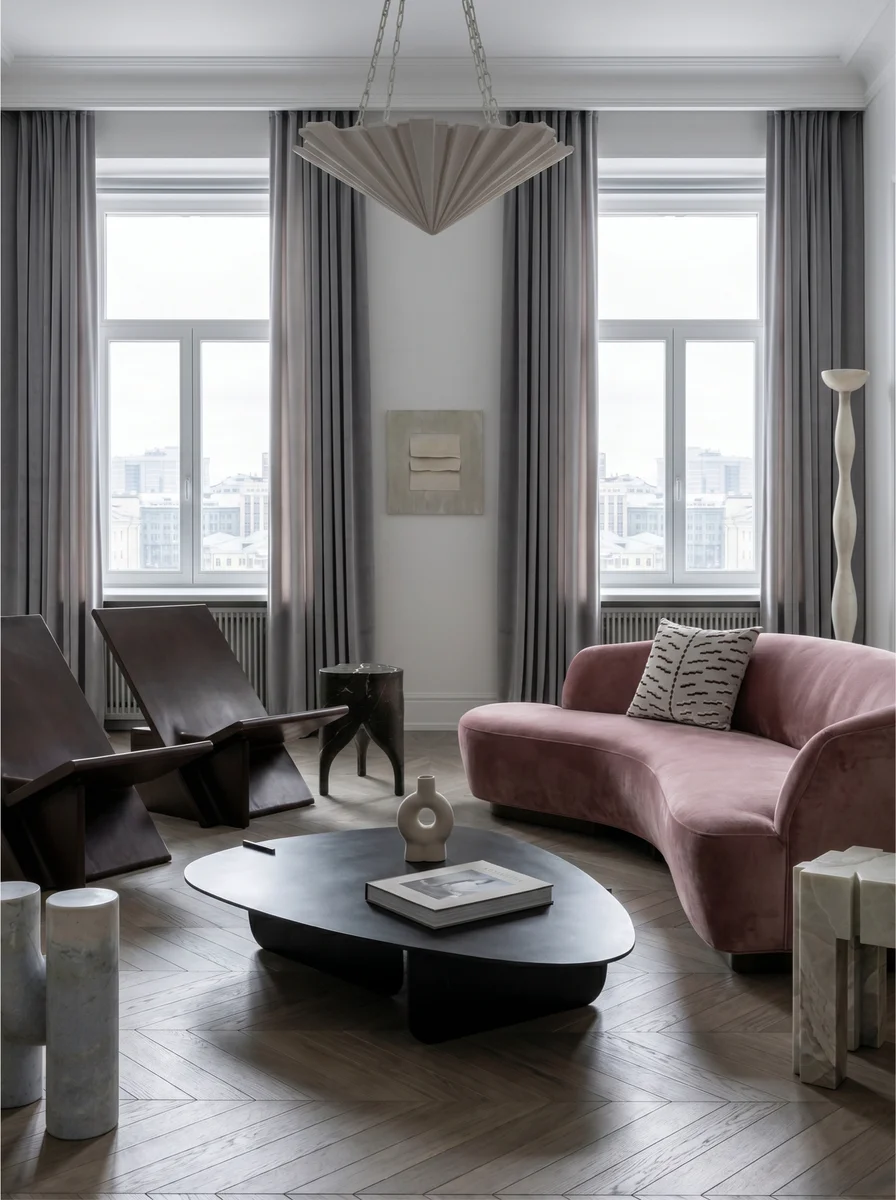 no extra costNano Banana Pro
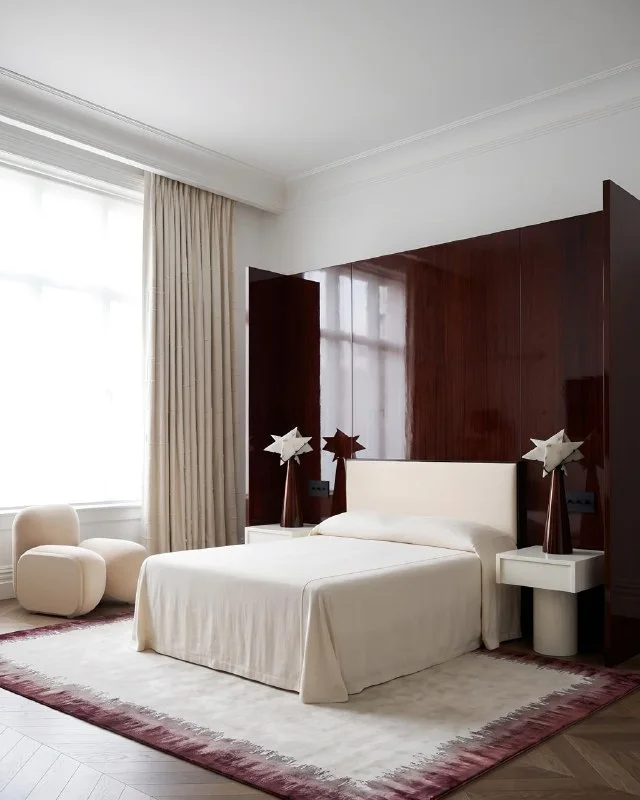
Collage → editorial photo
A photorealistic vertical 3:4 shot: compressed perspective, side window light. For editor collages. To turn a finished render into a photo, use GPT Image 2.6
Try it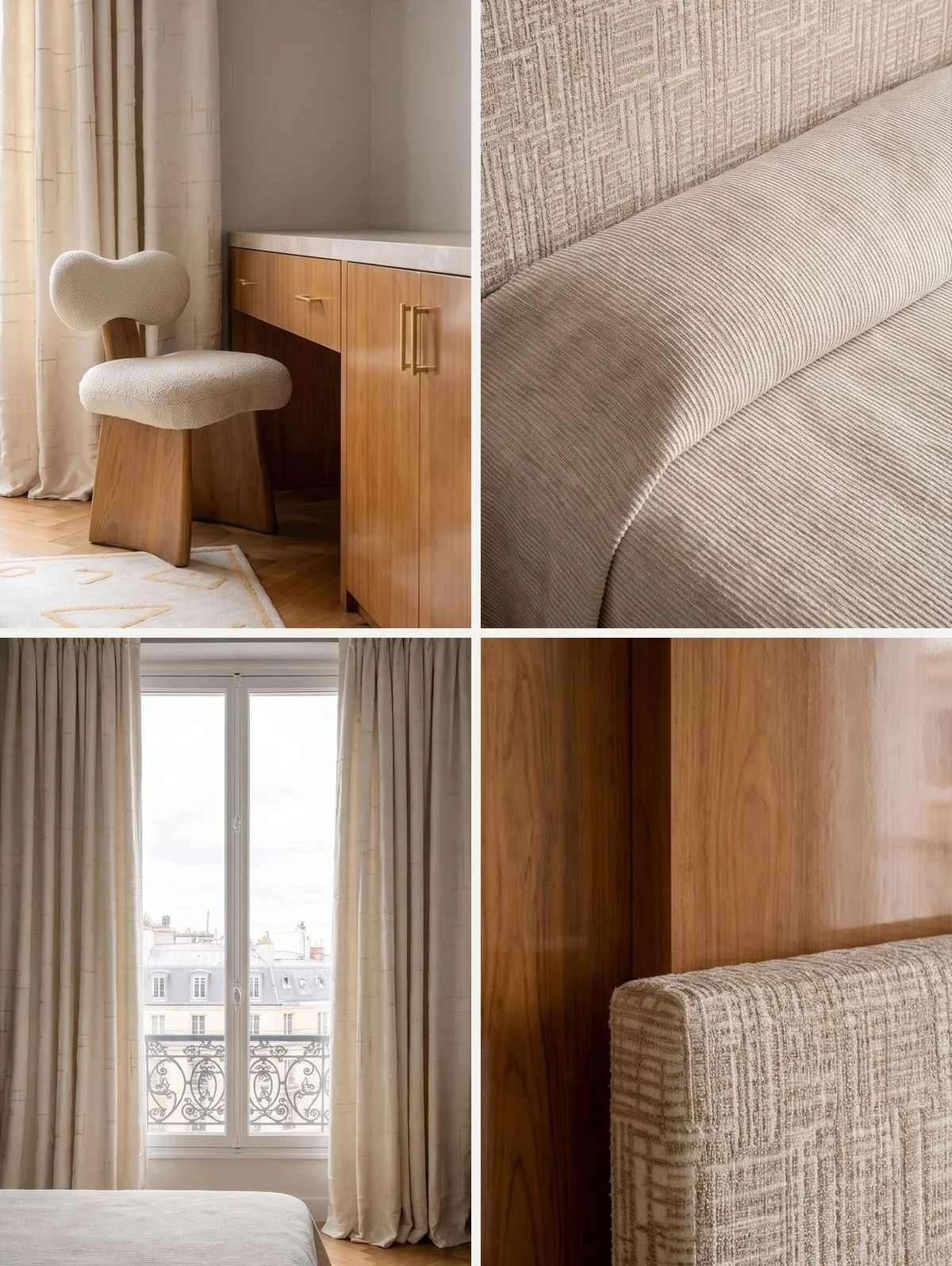 no extra costNano Banana 2.1
Visualization → 4 close-ups
From one visualization – a grid of 4 close-ups: the camera moves in on different objects, materials and light as in the original
Try itplans
Subscription
All models, your own prompts with dictation, the collage editor and background removal (up to 50 times a day). Alina Lyutaya's prompts at no extra cost. Unused credits carry over to the next month and stay when you switch plans.
Start
$3.65 / month
$0.04 per credit
+50 credits on your first payment during the sale
The bonus is given once · valid for 30 days
- 100 credits every month≈ 20 Nano Banana 2.1 visualizations in 2K or 10 in Nano Banana Pro
- Prompt generator and “Improve” not included
Renews monthly; cancel anytime in your account.
Designer
$8.42 / month
$0.03 per credit
+125 credits on your first payment during the sale
The bonus is given once · valid for 30 days
- 250 credits every month≈ 50 Nano Banana 2.1 visualizations in 2K or 25 in Nano Banana Pro
- Prompt generator and “Improve” – 200 messages a month
Renews monthly; cancel anytime in your account.
Active Designer
$15.74 / month
$0.03 per credit
+150 credits on your first payment during the sale
The bonus is given once · valid for 30 days
- 500 credits every month≈ 100 Nano Banana 2.1 visualizations in 2K or 50 in Nano Banana Pro
- Prompt generator and “Improve” – 500 messages a month
Renews monthly; cancel anytime in your account.
Studio
$29.16 / month
$0.03 per credit
+250 credits on your first payment during the sale
The bonus is given once · valid for 30 days
- 1,000 credits every month≈ 200 Nano Banana 2.1 visualizations in 2K or 100 in Nano Banana Pro
- Prompt generator and “Improve” – 1,500 messages a month
Renews monthly; cancel anytime in your account.
Credit packs
Subscribers only · added to an active subscription on any plan, never expire
+30% credits on every packBlack Friday, until Nov 30, 23:59 Moscow time · any number of purchases
One generation: Nano Banana Pro – 10 credits in 2K, 15 in 4K; GPT Image 2.5 – 5 credits in 2K, 10 in 4K; GPT Image 2.6 – 5 credits (1.5K); Nano Banana 2.1 – 3 credits in 1K, 5 in 2K, 6 in 4K; Nano Banana 2 Lite – 2 credits (1K). Credit packs (100, 250, 500) are for subscribers only: they're added to an active subscription on any plan and never expire.
questions
FAQ
Is CreateViz AI an AI model?
No, it is a platform for interior designers. It brings Nano Banana Pro, Nano Banana 2.1, GPT Image and other AI models together: you pick the one for the task, upload a photo, sketch or collage and get a visualization up to 4K. You pay with credits, one plan for every model. The models themselves belong to Google and OpenAI; we provide access to them, a collage editor, ready-made prompts and project storage.
Can I design an interior from a photo?
Yes. Upload a photo of the room – even mid-renovation – and describe what you want: style, wall color, furniture, light. The AI keeps the layout and windows and shows the new interior in about a minute.
Can I swap one piece in a render for a specific product?
Yes. Under a finished image, click “Edit part”, paint over the sofa, armchair or lamp with the brush and add a photo of the exact product – from a catalog or store; the site removes its background itself. The AI places that very piece, and the rest of the image stays as it was: the result is merged back only into the painted area. You can also remove a piece, recolor it or change its material. The price is the same as a regular generation with the chosen model.
Which AI is best for interior visualization?
Nano Banana 2.1 is fast and affordable and makes 2K and 4K: a good place to start and to try several variants. When every detail of the source photo matters – Nano Banana Pro: it is the most careful and also makes 4K, but costs more. GPT Image 2.5 renders differently – try it if the result didn't suit you; GPT Image 2.6 is its new version: faster and follows the request more closely, but only 1.5K. Nano Banana 2 Lite is the cheapest, for 1K drafts. All models come with one subscription.
Can I pay from outside Russia?
Yes. Pay for the subscription with an international Visa or Mastercard or via PayPal. Google and OpenAI models are connected through us – no separate accounts or API keys needed.
Can I try it for free?
Yes. Sign up and confirm your email – you get 10 credits for 14 days. That's enough to see the results, e.g. 2 images in Nano Banana 2.1 (2K).
Can I make a 3D model of furniture from a photo?
Yes. In the generator, the “3D model” section: upload a photo of one object – furniture, a lamp, decor – and get a model for 3ds Max (FBX), SketchUp and Blender (GLB) and other apps (OBJ). Enter the sizes (or dictate them, or photograph the price tag) – the model will match the width, depth and height exactly, with the pivot at the bottom center. A “Wide shot” model is 30 credits, a “Detailed” one 80 credits, with a subscription.
Can I make a video from a render?
Yes. Open a finished image in the generator and click “Animate” (or use the “Video” section): choose the motion – dolly in, orbit, walk-through, pan, “light and curtains” with a still camera, or “sketch to render” – and get an MP4 clip of 5 to 15 seconds for clients and social media. A 5-second clip is 25 credits with the budget model, 50 credits in best quality; the fast model, Google Veo 3.1 Fast, makes an 8-second clip for 40 credits, optionally with sound; with a subscription. The AI does not always keep the interior to the millimeter; if a video fails, credits come back automatically.
What are Alina's prompts?
Ready-made, tested prompts for interior designers by Alina Lyutaya: turn a collage into a sketch, a watercolor or an editorial photo. Pick a prompt and add an image – no need to craft the wording or choose a model. Available on any plan at no extra cost – a generation with a prompt costs the usual credits. The prompt texts are hidden in the generator; you can buy them separately in Alina's collection.
What is a credit?
The unit used to pay for generations. One generation: Nano Banana Pro – 10 credits in 2K, 15 in 4K; GPT Image 2.5 – 5 credits in 2K, 10 in 4K; GPT Image 2.6 – 5 credits (1.5K); Nano Banana 2.1 – 3 credits in 1K, 5 in 2K, 6 in 4K; Nano Banana 2 Lite – 2 credits (1K). A subscription gives 100 credits to 1,000 credits a month, depending on the plan.
What if a generation fails?
Its credits go back to your balance automatically – nothing to do.
Do unused credits expire?
No. The remainder carries over to the next month and stays on your balance even after you cancel.
What happens to my credits if I switch plans?
They stay. The new plan starts right after payment – no need to wait until the current month ends. The new plan's credits add up with the ones already on your balance, and the old subscription is turned off and won't be charged again.
How do I cancel?
The subscription renews automatically every month. Cancel it in your account with one button – there will be no further charges, and your remaining credits stay.
Who owns the results?
You do. Use the visualizations in your projects and client presentations. No watermarks.
How long are visualizations kept?
Generations, collages and photos are kept in a project for 30 days, then deleted automatically. While your subscription is active, working in a project extends the term; after it ends, projects are kept for another 30 days. We'll email you 5 days before deletion. Download the results you want to keep.
How can I pay?
Subscription – with a Russian or international card or PayPal. If you run out of credits before renewal, you can buy a top-up pack (subscribers only) – packs can also be paid via SBP or Apple Pay.