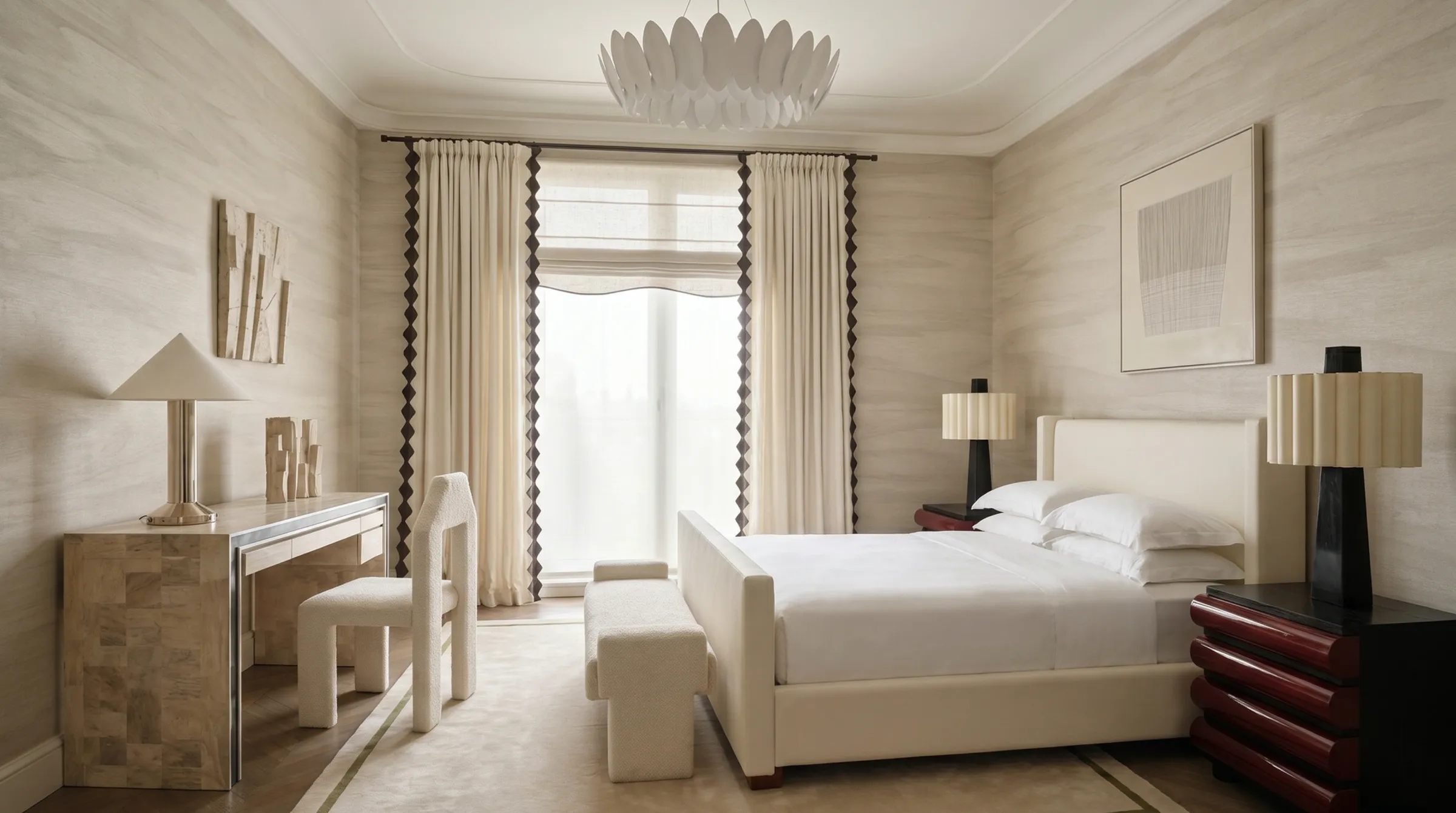
AI interior from a photo
AI room design from a photo
Upload a room photo, pick a model – Nano Banana or GPT Image – and get a new interior in about a minute: a different style, wall color, furniture and light. The layout, windows and doors stay in place. Works in the browser, nothing to install.
before → after
Room photo → new interior
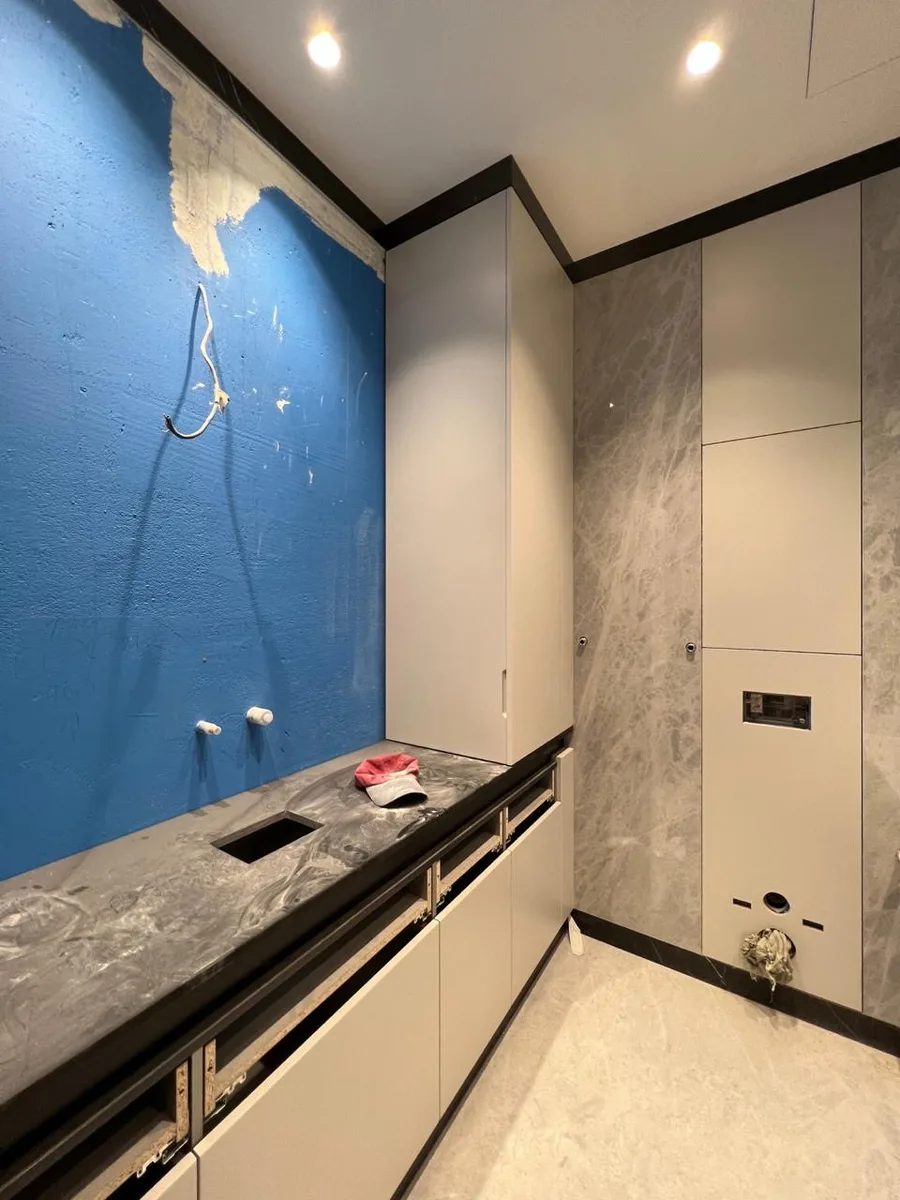 Before
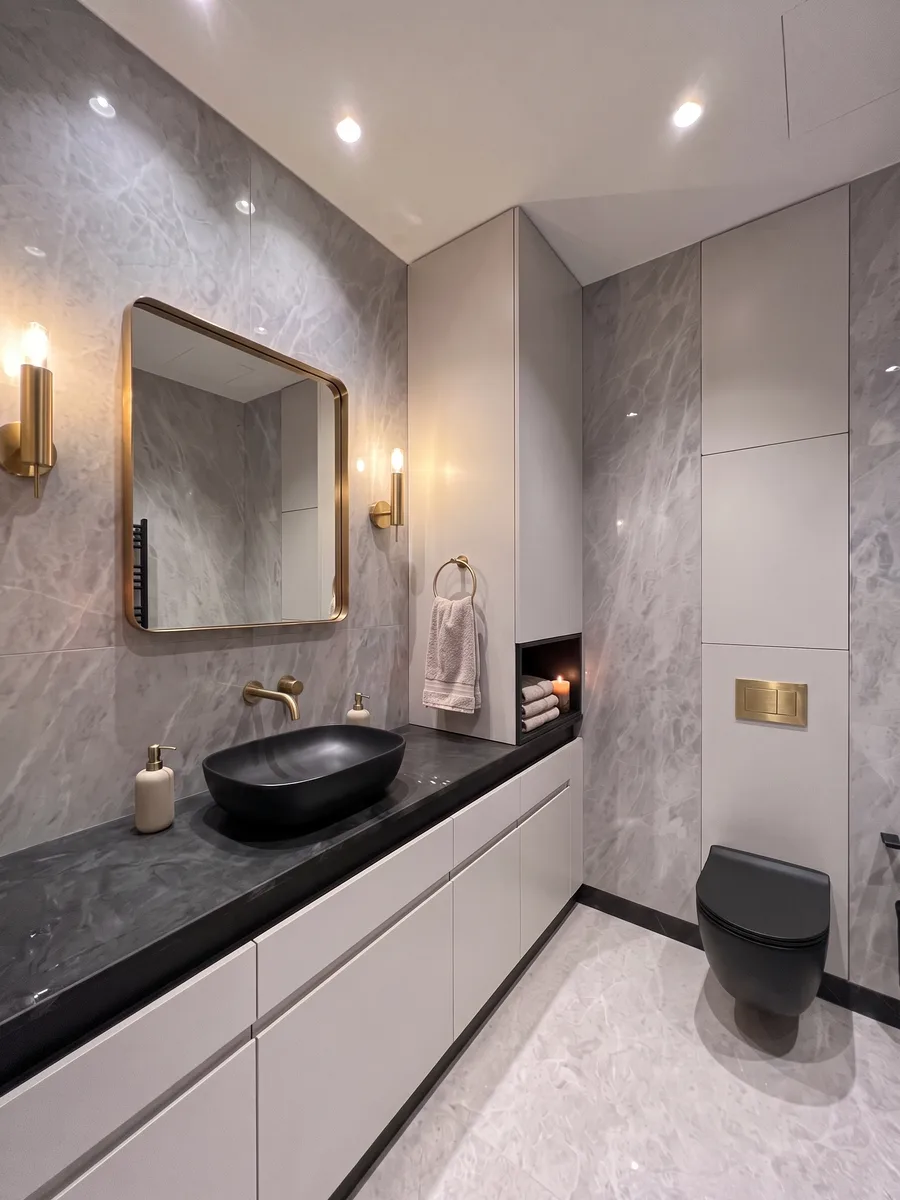 After
A bathroom mid-renovation → the finished interior, Nano Banana Pro
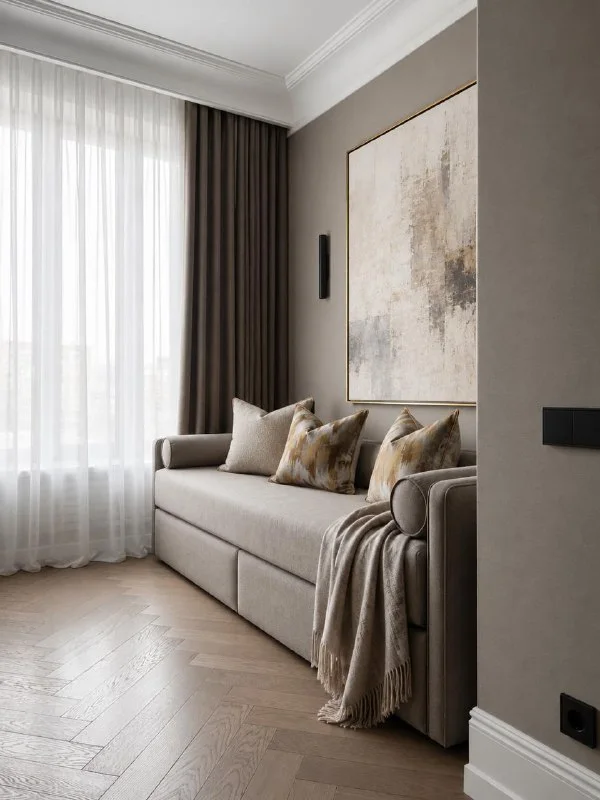
three steps
How to design from a photo
1
Take a photo of the room
With your phone, in daylight. A flat under renovation works too: bare walls, pipes, an empty room.
2
Describe what you want
In words or by voice: “Scandinavian, light oak, linen curtains” – or pick Alina Lyutaya's ready-made prompt. You can add photos of furniture and materials to fit in.
3
Get the design
In about a minute – a photorealistic interior up to 4K. Not quite right? Adjust the prompt and make another version.
features
What you can change
Style
Modern, Scandinavian, neoclassical, loft, minimalist – one room in different styles.
Walls, floor and ceiling
Color, plaster, tiles, wallpaper, parquet – choose finishes before the renovation starts.
Furniture and decor
Furnish an empty room or replace old furniture. You can fit in a specific sofa from a shop photo.
Light and time of day
Daylight, an evening with lamps, sun through the window – for a client presentation.
Renovation → finished interior
Show how the room will look after the renovation from a photo of the rough finish.
Angle and details
A close-up of the armchair by the window or another angle of the same room.
tips
How to photograph the room
- Shoot in daylight, without flash.
- Hold the phone level, at chest height, so the floor and ceiling are in the frame.
- In a small room, switch to the ultra-wide camera (0.5×).
- Remove clutter from the frame – the AI will have less to guess.
- One room – one photo. For another angle – a separate shot.
- Say in the prompt what to keep: “don't change the windows, doors or plumbing”.
questions
FAQ
How much does interior design from a photo cost?
One generation costs from 2 credits for a quick preview in Nano Banana 2 Lite to 15 credits for 4K in Nano Banana Pro. Credits come with plans – from 299 ₽ a month for 100 credits.
Can I make a design from a photo for free?
To try it – yes. Sign up and confirm your email – you get 10 credits for 14 days – enough to see the results, e.g. 2 images in Nano Banana 2.1 (2K). After that, generations come with a plan.
Will the room layout be kept?
Yes, if you ask for it. Nano Banana Pro keeps the walls, windows and doors of the source photo best. Say in the prompt what must not change.
What kind of photo works?
A regular phone photo in JPG, PNG or WEBP. The site shrinks large photos itself – without losing quality for generation.
Can I fit in my own furniture?
Yes. Add photos of a sofa, a chandelier or tiles to the room photo – up to 8 images per request – and say where to put them. And if the image is already done and you need to swap one piece, use “Edit part” under it: paint over the piece and attach a photo of the product – the rest stays as it was.
Do I need to install anything?
No. Everything works in the browser on a computer or a phone. Pay by an international card or PayPal.