rendering online
AI interior rendering
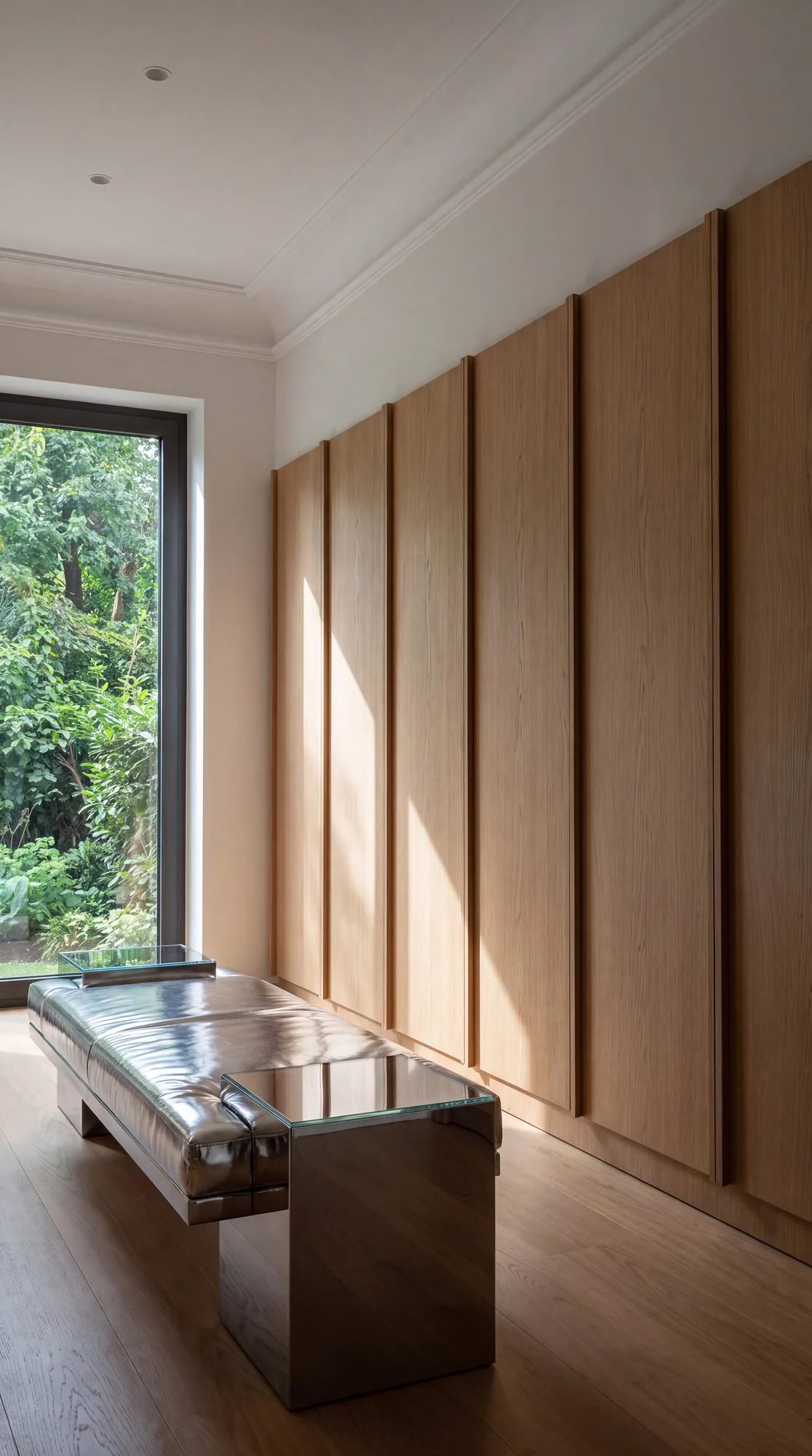
A plain 3D model, a sketch or a weak render – a photorealistic room with materials and light. You pick the model: Nano Banana or GPT Image. No powerful GPU or long rendering, up to 4K.
before → after
3D model → photo
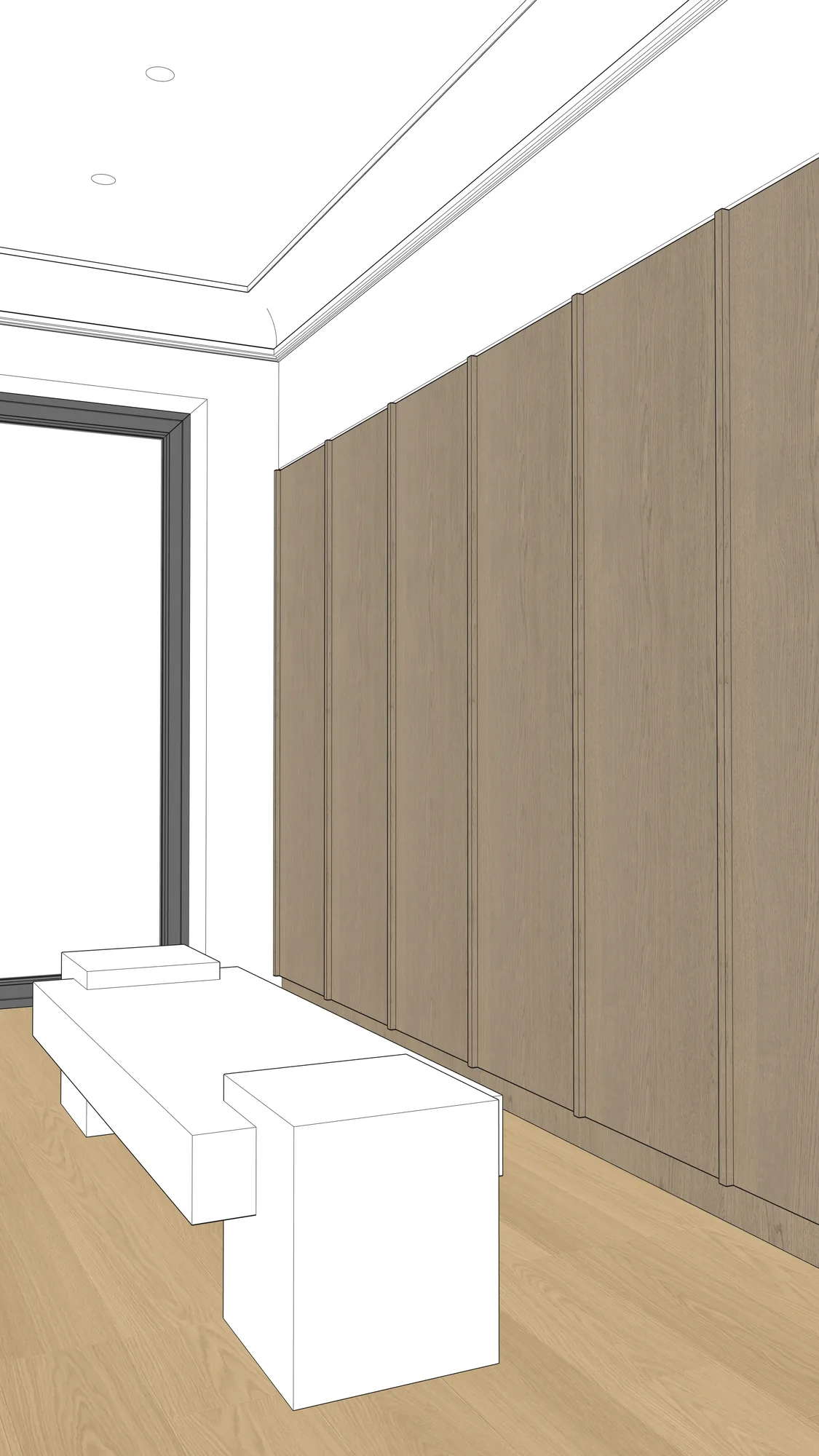 Before
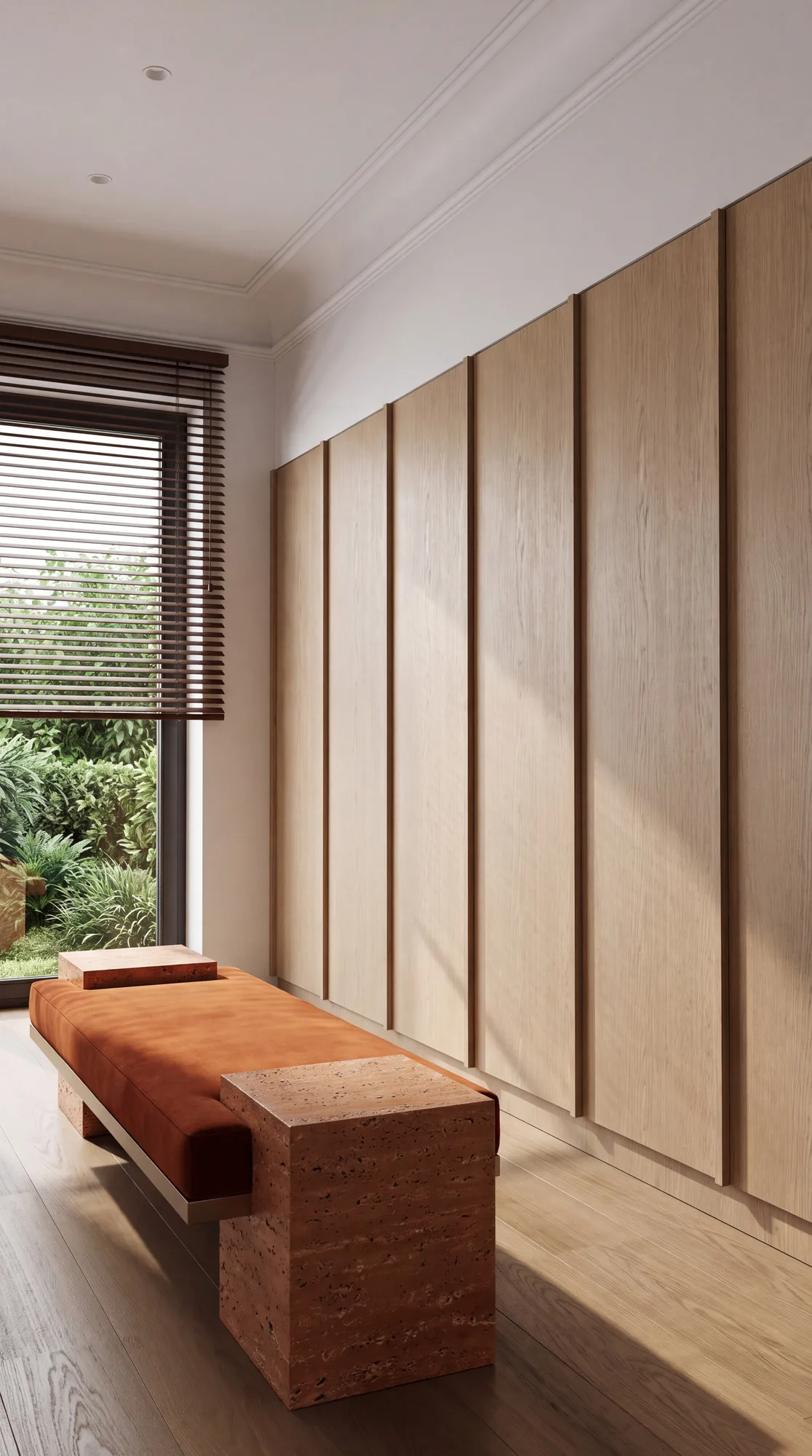 After
A plain 3D model of a wardrobe → a photo
quality
Up to 4K
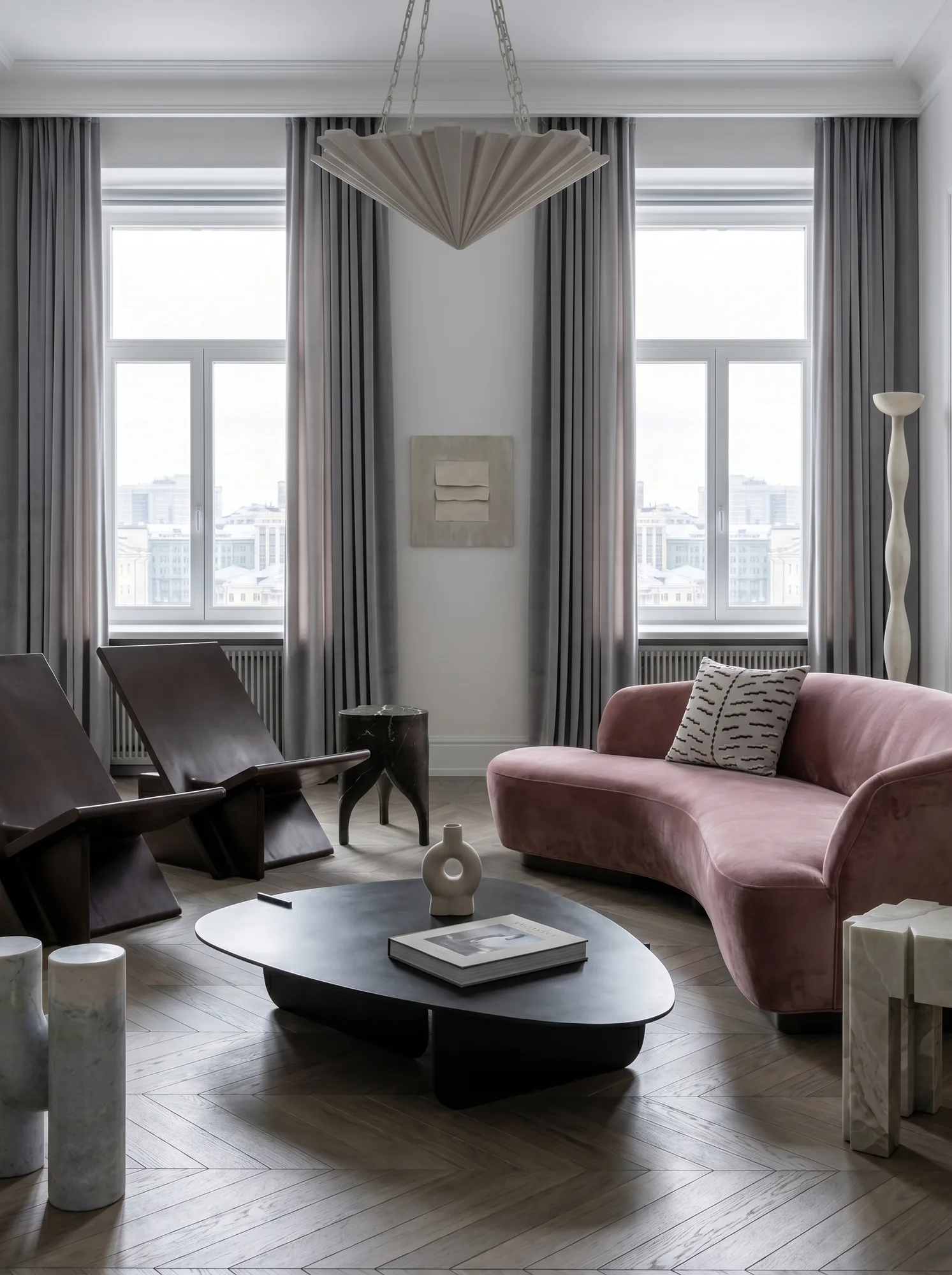
Compare a detail in 1080 and 4K – you can see the texture of wood and fabric (4K – in Nano Banana Pro, GPT Image 2.5, Nano Banana 2.1).
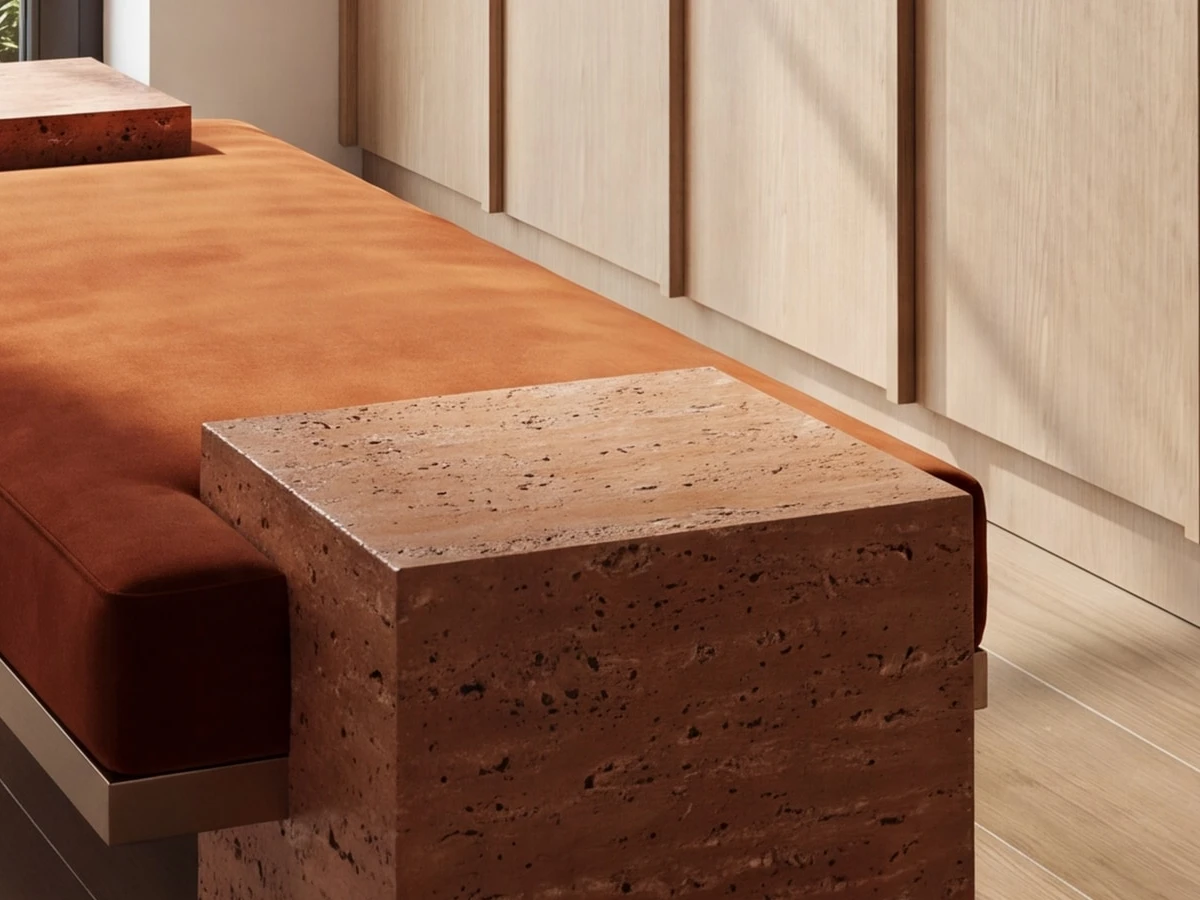
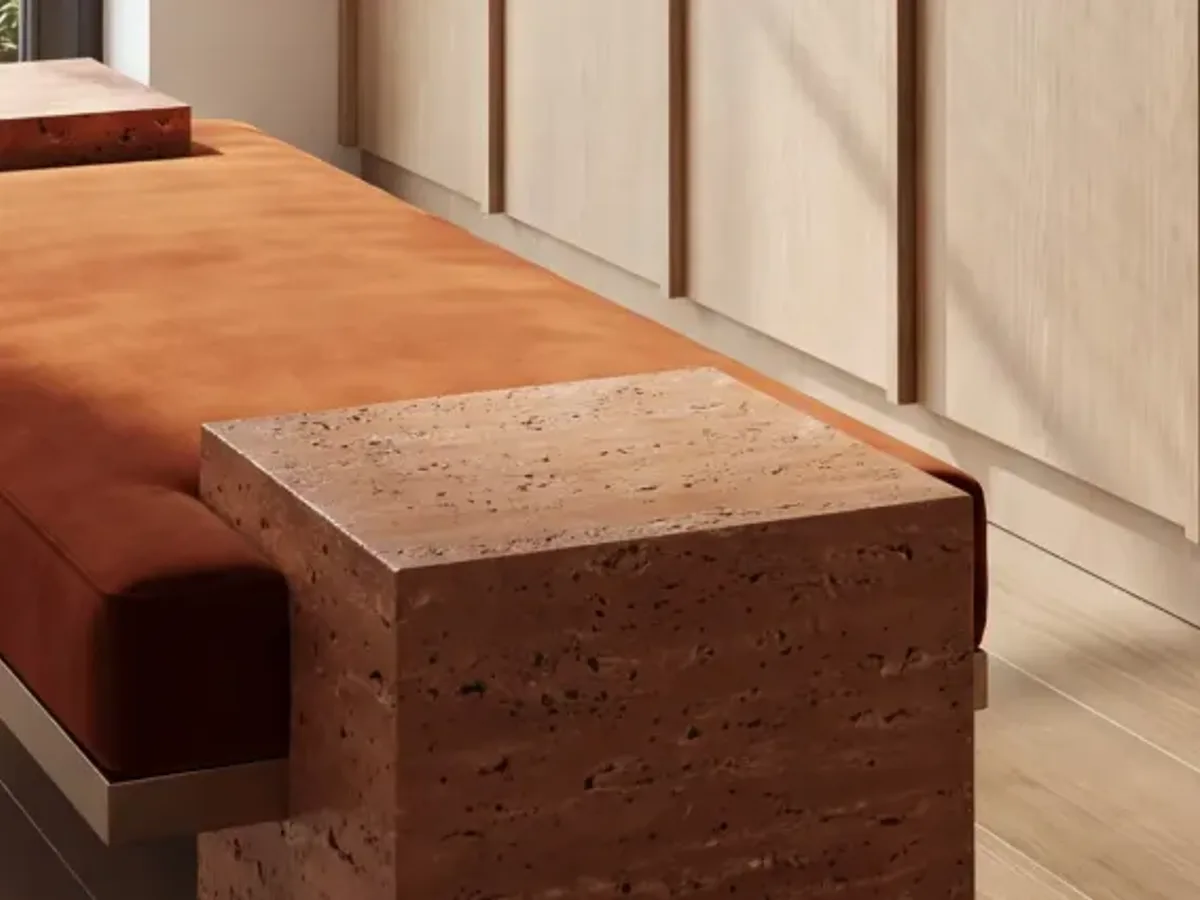 10804K
three steps
How to render an interior with AI
1
Upload a model or a render
A screenshot from SketchUp, 3ds Max, Revit or ArchiCAD, a photo of a sketch. You can add photos of furniture and materials – up to 8 images in total.
2
Describe materials and light
In text or by voice, for example: “oak, brass, evening light”.
3
Get the photo
Up to 4K, as a JPG or PNG file.
what you can do
Improve a render with AI
Plain model → photo
Materials, light and decor as you describe them.
Weak render → better
Natural light, shadows and reflections, the layout stays.
Sketch → photo
A hand drawing or a watercolor becomes a photorealistic room.
Finish options
The same render in different colors and materials to show your client.
No 3D model of the furniture you need? Make it from a photo
A sofa, an armchair or a lamp from a photo – a 3D model for 3ds Max, SketchUp and Blender in exact sizes. Put it into your scene and render.
models
Which model to choose
Nano Banana 2.1 is a good place to start – fast and affordable, 2K and 4K. For the final render, when every detail of the source matters – Nano Banana Pro, also up to 4K. Nano Banana 2 Lite is the cheapest, for 1K drafts.
Nano Banana Pro – 10 credits in 2K, 15 in 4K; GPT Image 2.5 – 5 credits in 2K, 10 in 4K; GPT Image 2.6 – 5 credits (1.5K); Nano Banana 2.1 – 3 credits in 1K, 5 in 2K, 6 in 4K; Nano Banana 2 Lite – 2 credits (1K).
the difference
AI or a classic render?
AI doesn't reproduce a 3D scene to the millimeter: it may slightly change small details and proportions. But in a couple of minutes it gives you an image to agree on the idea with your client. For the final delivery, check the result and make another version if needed.
questions
FAQ
Which AI is best for interior rendering?
Nano Banana 2.1 is a good place to start – fast and affordable, 2K and 4K. For the final render, when every detail of the source matters – Nano Banana Pro, also up to 4K. Nano Banana 2 Lite is the cheapest, for 1K drafts.
Can I improve an existing render?
Yes: upload it and write what to change – light, materials, details.
Will the AI keep the furniture and layout?
The basis stays, small details may change. The phrase “keep the geometry and furniture unchanged” in the request helps.
How much does a render cost?
From 2 credits in Nano Banana 2 Lite to 15 credits for 4K in Nano Banana Pro. Credits come with plans – from 299 ₽ a month.
Do I need a powerful GPU?
No: everything works in the browser. Pay by card or PayPal.