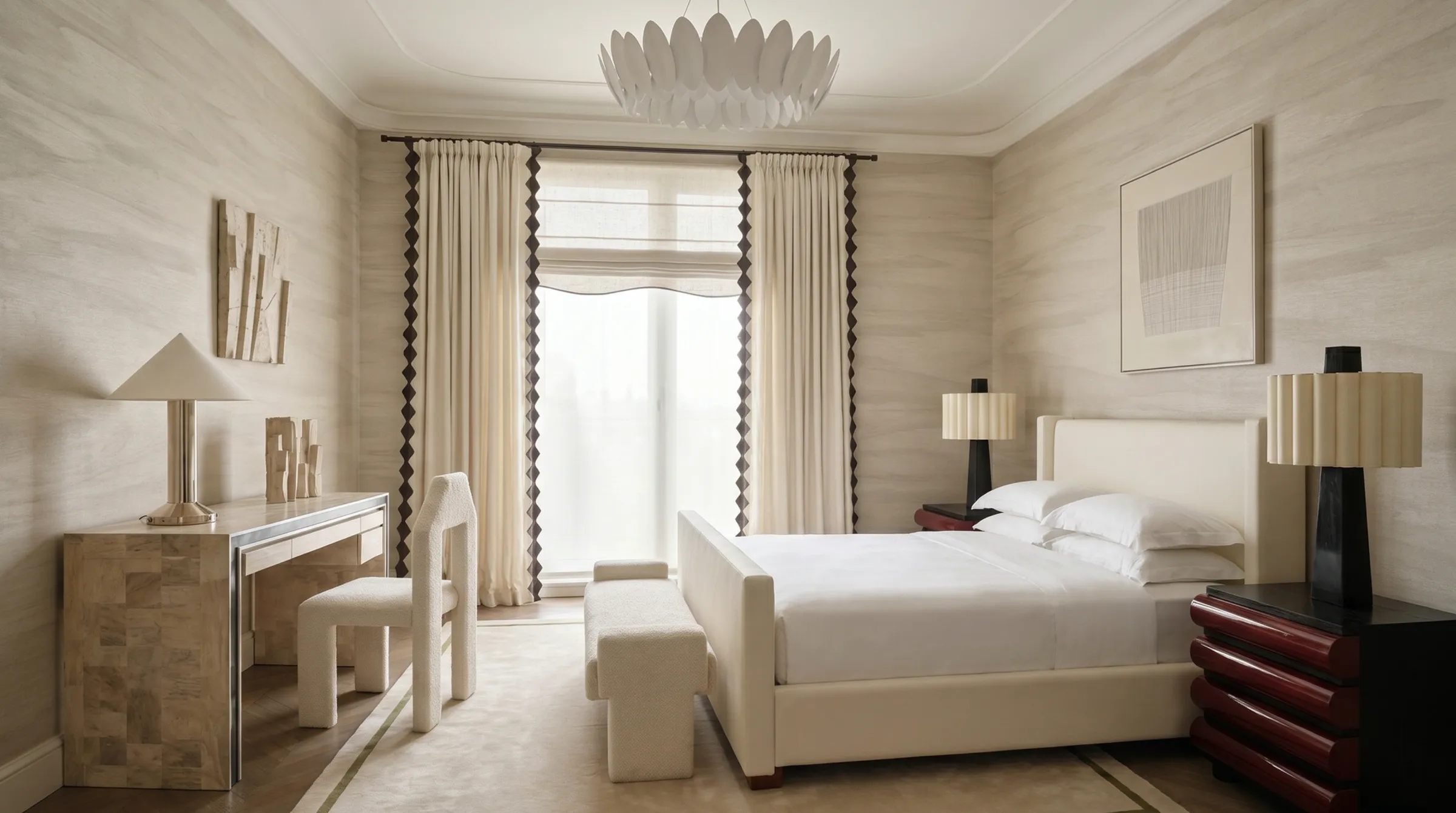
collage editor
Interior mood board and collage – straight into a photo
Build an interior collage right on the site: furniture, materials, decor, labels. Backgrounds are removed in one click. Then pick a model – Nano Banana or GPT Image – and it turns the collage into a photorealistic interior, a sketch or a watercolor in about a minute.
before → after
Collage → photo
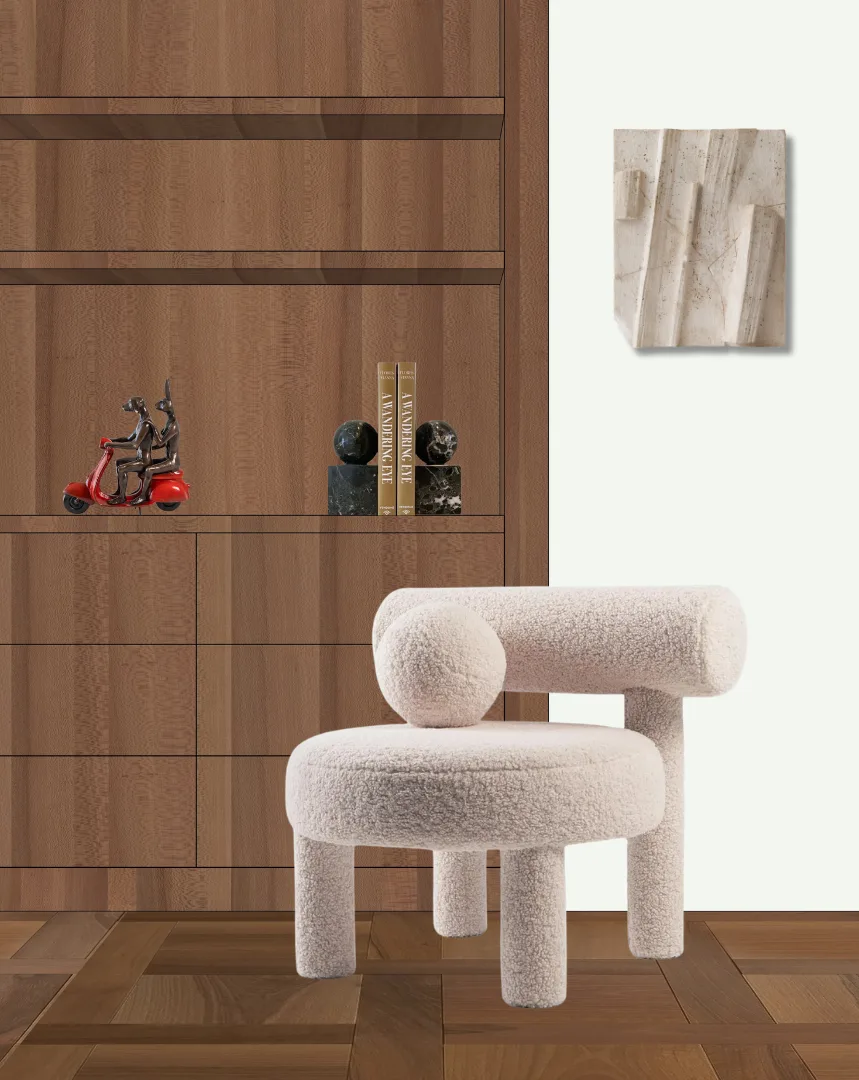 Before
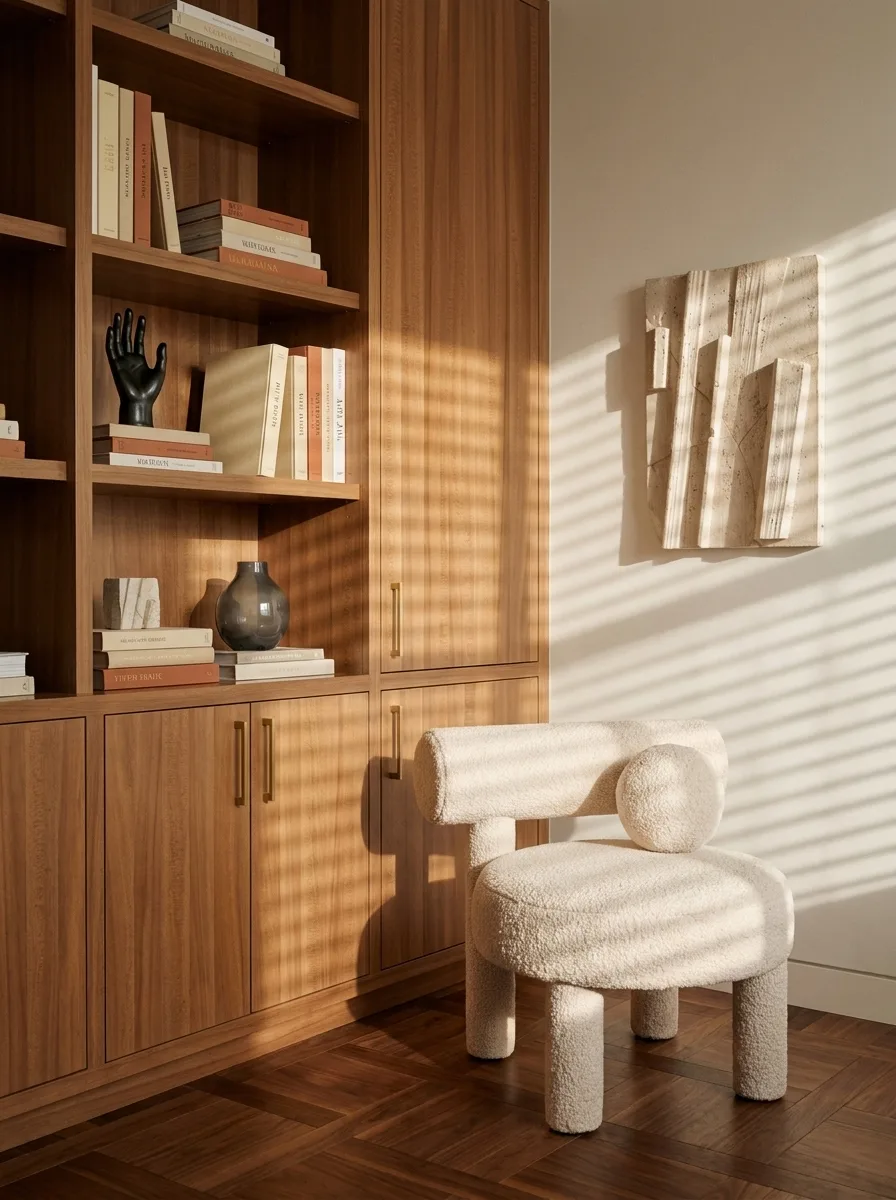 After
A collage of a bookcase, armchair and decor → a study photo
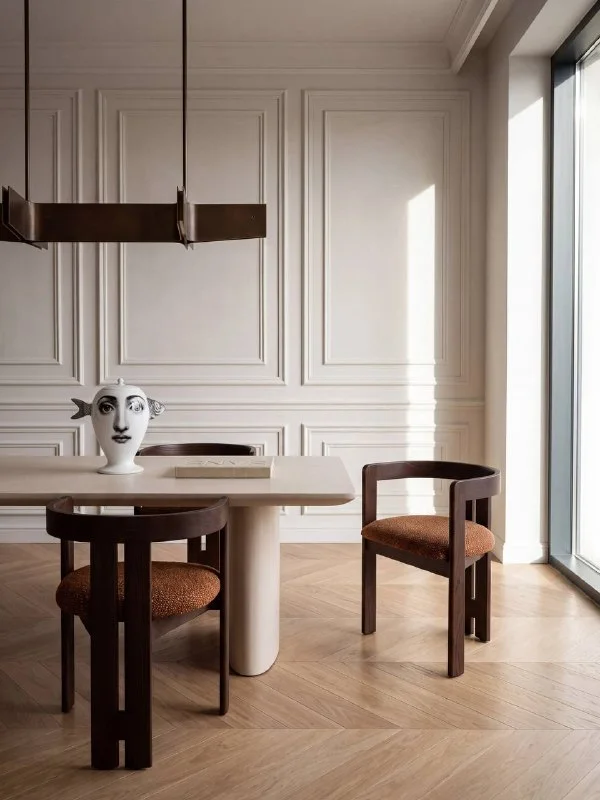
three steps
How to make an interior design collage
1
Build the collage
Add photos of furniture, tiles, fabrics from shops or your own projects. Remove backgrounds, arrange, label.
2
Send it to generation
One button – the collage goes to the generator. Pick Alina's prompt: editorial photo, sketch, watercolor.
3
Get the interior
A photorealistic room with your furniture, up to 4K.
editor
What the editor can do
Background removal
One click – and the armchair or lamp has a transparent background. Up to 50 times a day.
Layers and sizes
Move, resize keeping proportions, crop the edges. Edges snap to each other.
Labels
Names, item codes, prices – 5 fonts to choose from.
Your photos and projects
Images from past work – in one click.
Download JPG
A finished collage or mood board – for a client presentation.
No Photoshop
Nothing to install: it works in the browser on a computer and a tablet.
the difference
Collage, mood board or concept?
A collage is the furniture and decor of the future room. A mood board is the mood and materials. A concept is both, for a client presentation. You can build any of them in the editor and turn a furniture collage straight into a photo. To build an interior mood board, add photos of materials, fabrics and color samples, label them and download a JPG for your client.
questions
FAQ
How do I make a collage for interior design?
Open the editor, add photos of furniture and materials, remove their backgrounds, arrange and label them. Download the collage as JPG or send it to generation in one click – the AI turns it into a room photo.
Which software do I need for interior collages?
None: the editor works in the browser, no Photoshop needed.
Can I make a collage online for free?
The editor and background removal are included in any plan. Turning a collage into a photo uses credits. New users get 10 credits for 14 days after signing up and confirming their email – enough to try it, e.g. 2 images in Nano Banana 2.1 (2K).
Can I build a collage on a phone?
It's inconvenient on a phone – a computer or tablet works better. You can view a finished collage and send it to generation from a phone too.
How do I turn a collage into a photo?
Send the collage to generation and pick the “Collage → editorial photo” prompt.