Nano Banana Pro
Google. Carefully keeps the details of the source photo, supports 4K
- Price
- 2K – 10 credits ($0.37), 4K – 15 credits ($0.55)
- Reference photos
- up to 8
- Aspect ratios
- 16:9, 4:3, 21:9, 3:4, 4:5, 9:16
- Upscale a result
- to 4K – 10 credits
models
5 image models in one subscription. How they differ, what each can do, and what one image costs.
one by one
Google. Carefully keeps the details of the source photo, supports 4K
OpenAI. A different rendering style – try it if the result did not suit you
OpenAI. The new version: faster than 2.5 and follows the request more closely, 1.5K
Google. Fast and affordable, 1K, 2K and 4K – a good place to start and to try several variants
Google. The fastest and cheapest, 1K – try an idea in half a minute
In brackets – the price of one image on the Start plan. On other plans a credit is cheaper – all plans and prices.
comparison
| Model | Resolutions | Credits | Photos | 4K | Upscale |
|---|---|---|---|---|---|
| Nano Banana Pro | 2K, 4K | 10 / 15 | up to 8 | yes | yes |
| GPT Image 2.5 | 2K, 4K | 5 / 10 | up to 8 | yes | no |
| GPT Image 2.6 | 1.5K | 5 | up to 8 | no | no |
| Nano Banana 2.1 | 1K, 2K, 4K | 3 / 5 / 6 | up to 8 | yes | yes |
| Nano Banana 2 Lite | 1K | 2 | up to 8 | no | no |
| 3D model from a photo (Tripo) | GLB, FBX, OBJ | 30 / 80 | 1–4 | – | – |
| Video: Seedance 2 Mini | MP4 720p, 5 / 10 / 15 s | 25 / 50 / 75 | 1 | – | – |
| Video: Veo 3.1 Fast (Google) | MP4 720p, 8 s | 40 | 1 | – | – |
| Video: Kling 3.0 | MP4 1080p, 5 / 10 / 15 s | 50 / 100 / 150 | 1–2 (first and last frame) | – | – |
3D models are a separate section of the generator, more – 3D model from a photo.
Video is the “Video” section of the generator and the “Animate” button on a finished image, with a subscription. The price is per 5 / 10 / 15-second clip (Veo 3.1 Fast always makes 8 seconds). Sound is available only with Veo 3.1 Fast, the others have no sound.
how it works
The models are made by Google and OpenAI; we don't train or modify them. CreateViz AI sends your request and photos through the polza.ai gateway and returns the finished image to your project. The model developers don't receive your email or name – only the request and images.
More about Nano Banana – Nano Banana for interiors; about rendering a 3D model – interior rendering.
questions
There is no single best one. Start with a fast, affordable model, make a few variants, and do the final image in the one that keeps the source details best. If the result doesn't suit you, try another – models read the same request differently.
Yes, before every generation. Alina Lyutaya's ready-made prompts come with a preselected model, which you can also change.
Yes, the developers' original models. We are not Google or OpenAI: we connect them through the polza.ai gateway and add interior tools – prompts, collages, projects.
No. There are image models and an assistant that writes requests for them. No Midjourney and no general-purpose chat.
Your credits come back automatically. If the model is overloaded, the site resends the task itself. If its content check refuses, we show how to rephrase the request.
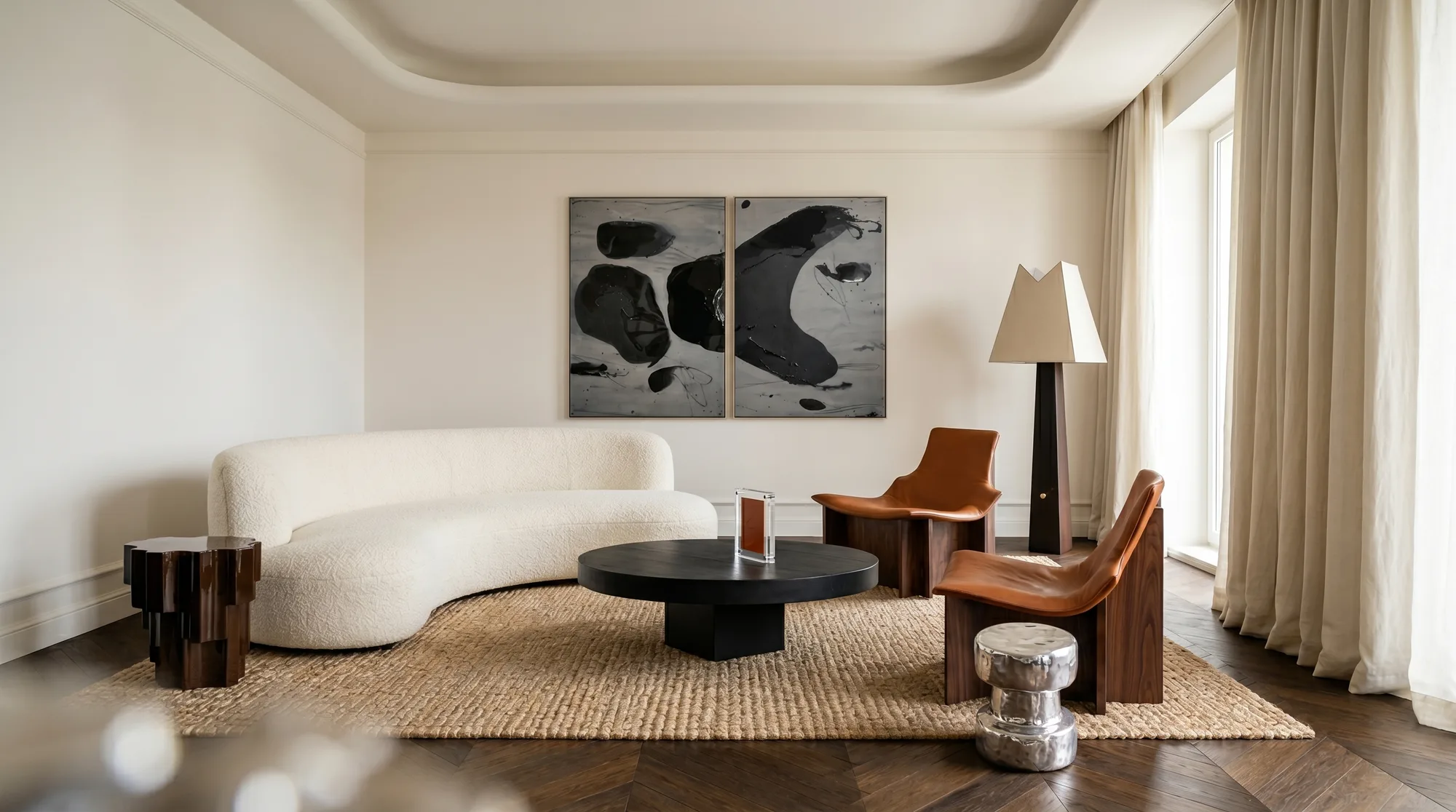
Send one photo and one request to two models and pick the one you like better.
Open the generator