Kitchen Design with AI: Three Finish Options in Three Minutes
A 3ds Max clay render of a kitchen-dining room → three options: white and oak, navy and brass, graphite. What matched the model, where the AI deviated and how to work on a kitchen.
· 4 min read · CreateViz AI
The kitchen is one of the most expensive rooms to finish, and the client wants to see the front and stone colors before ordering. We took a 3ds Max clay render of a kitchen-dining room and made three finish options in three minutes: light Scandinavian, navy with brass and an evening graphite.
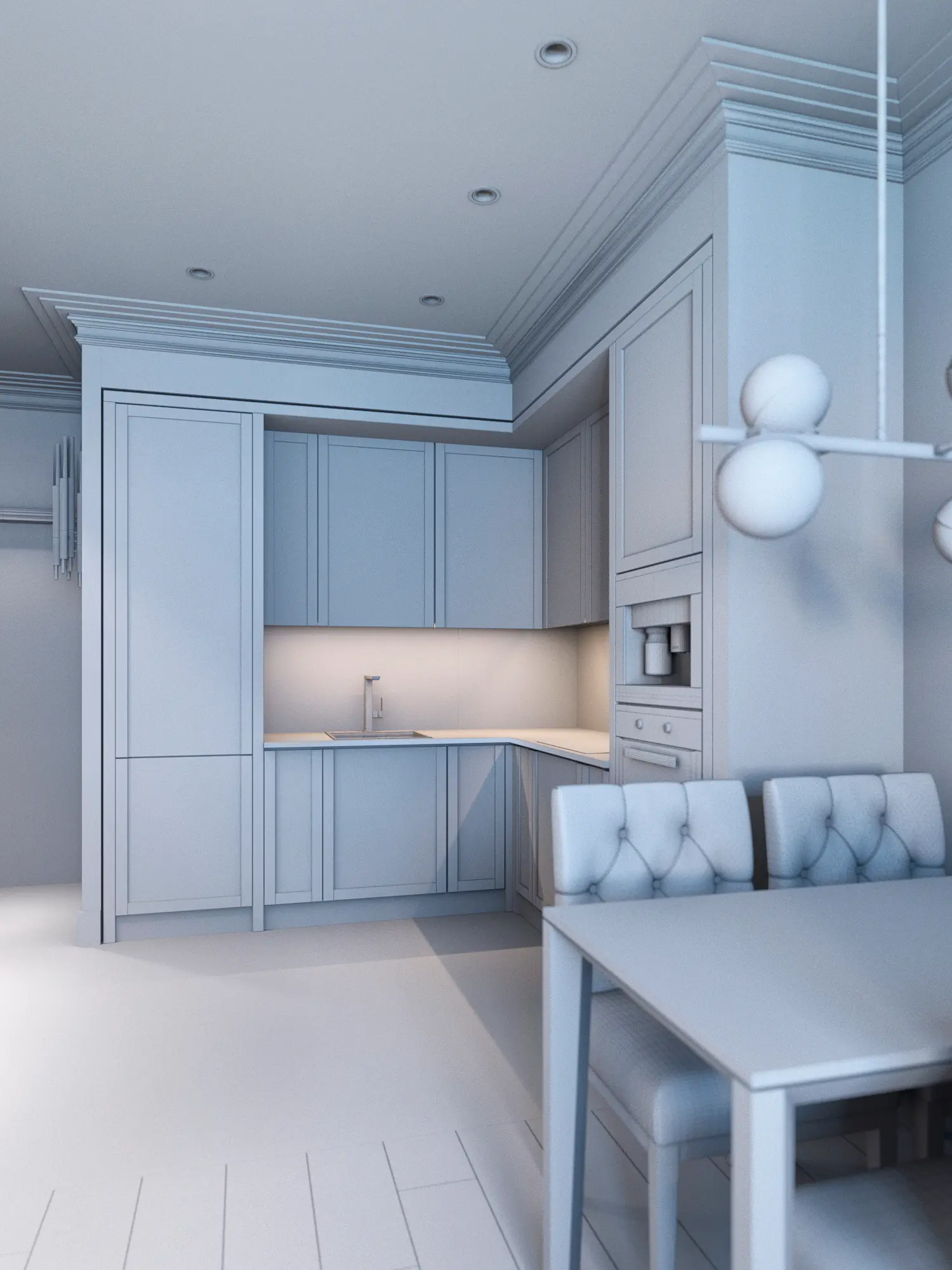
Kitchen clay render (Alina Lyutaya's project, 2018)
Three options
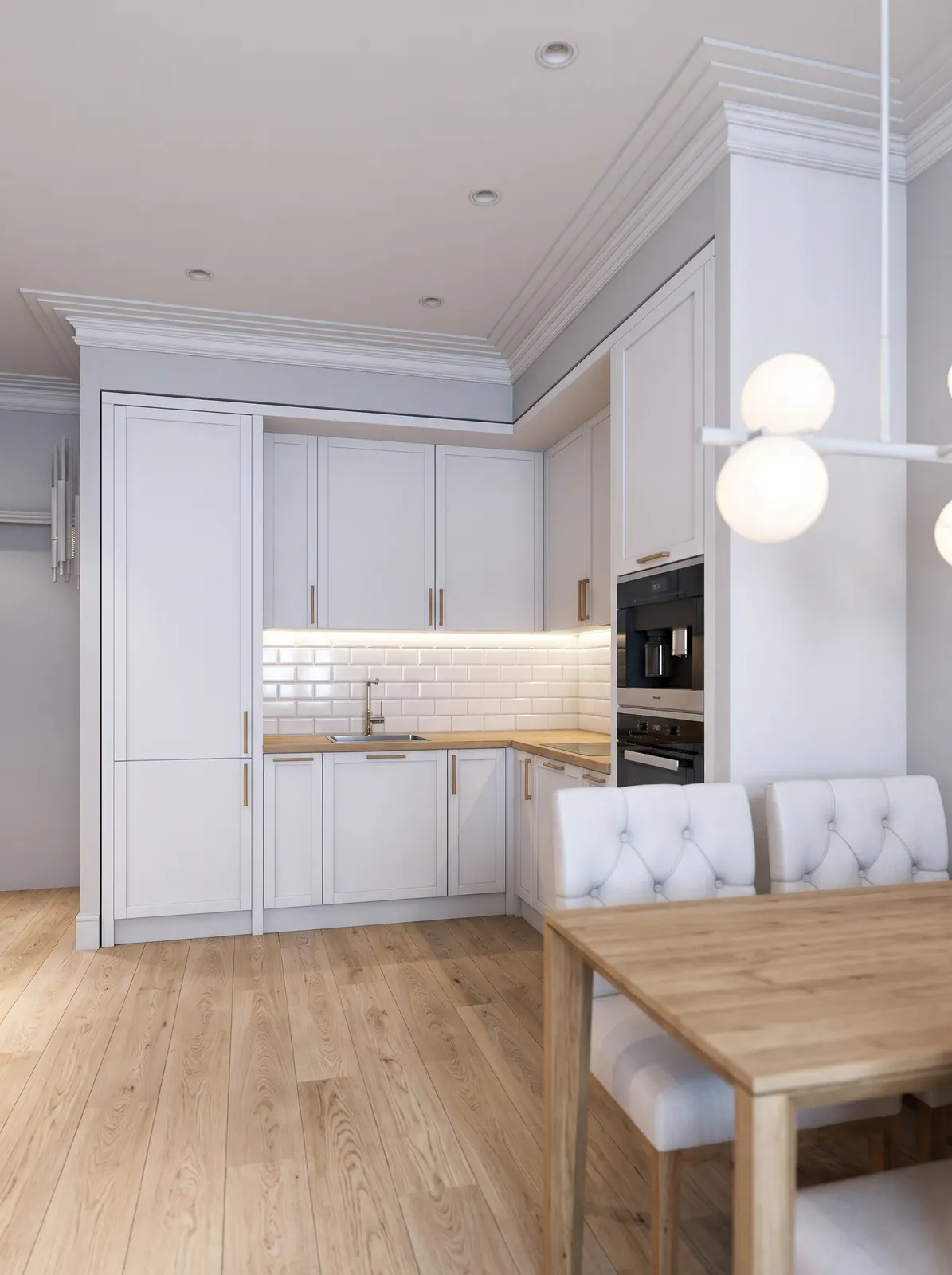
White and oak
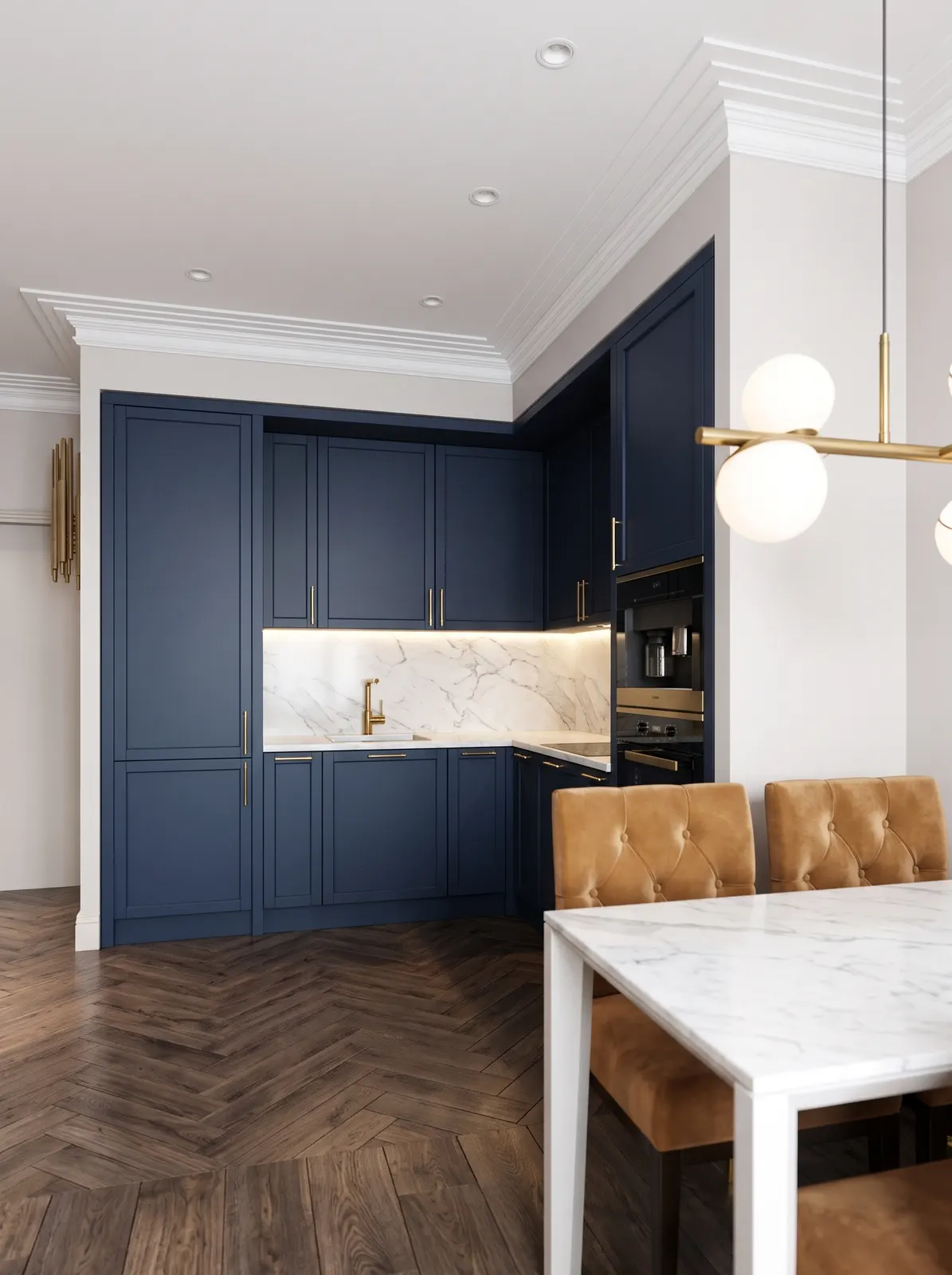
Navy and brass
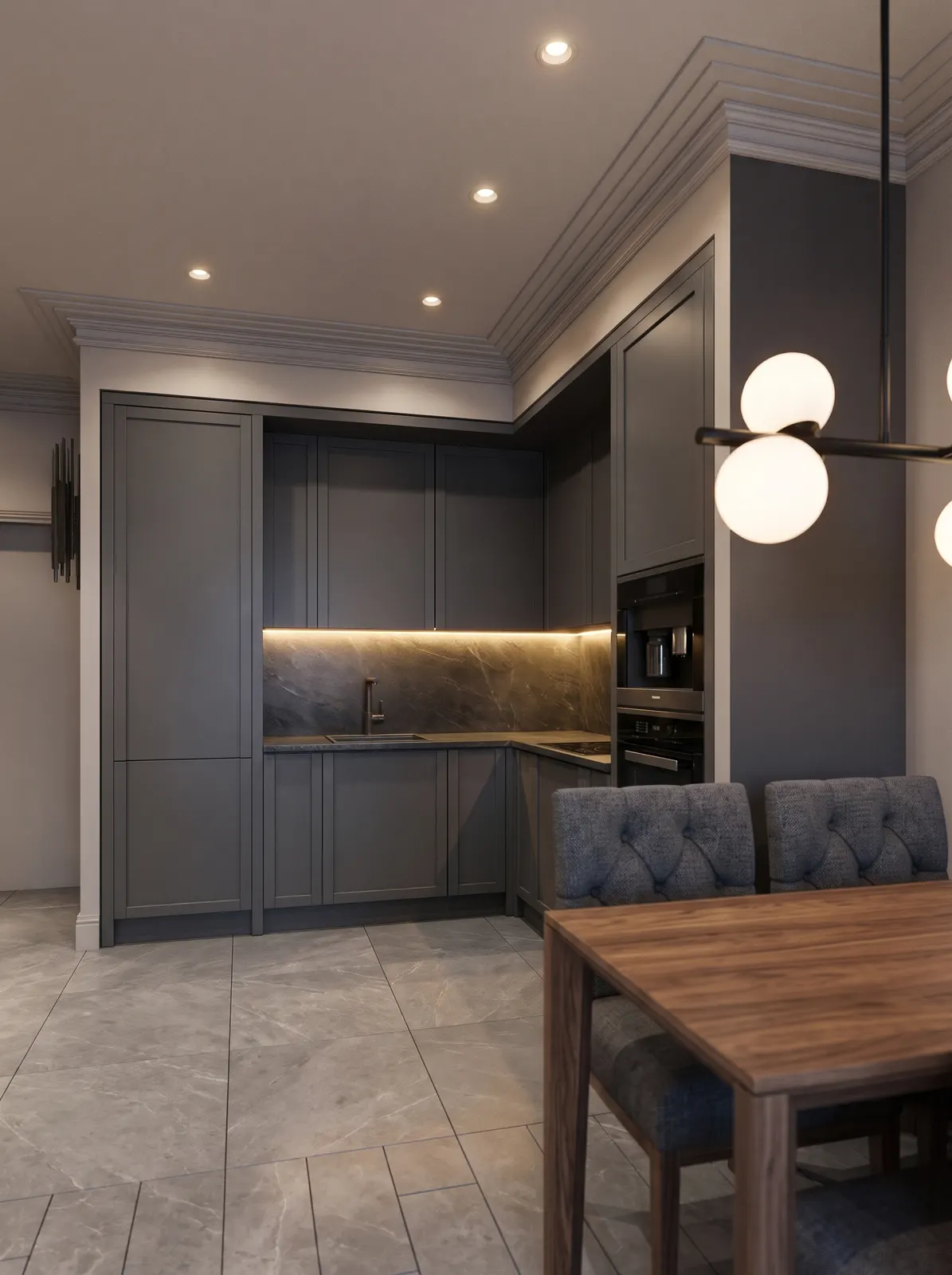
Graphite, evening
- In all three, the units, appliances, cornice, globe pendant and table match the model. Only the finishes change – exactly what you need for a comparison.
- Deviations: in the white option the handles came out brass although we asked for oak, and the chairs came out tufted; in the graphite one the chairs are tufted too, although we asked for plain fabric. The AI holds on to the shapes from the model.
- All three were made in Nano Banana 2.1, about a minute each. A Nano Banana Pro version with sage fronts is in the clay render article.
How to work on a kitchen
- Take a source: a kitchen photo, a clay render or a SketchUp view.
- Write a common opening with a “what to keep” list – and don't change it between options.
- Change only the finishes: fronts, handles, countertop, backsplash, table, chairs, floor, lighting.
- Make 3 options in an affordable model, then redo the chosen one in Nano Banana Pro or upscale it to 4K.
- If the shape of handles or chairs matters, say it in a separate sentence: “handles – wooden knobs, not brass”.
More on working with clay renders – in the article “From a 3ds Max clay render to a finished image”. Working from a room photo – on the AI room design page.
FAQ
Can AI design a kitchen?
Show finish options – yes: front colors, handles, countertop, backsplash, floor and lighting. The module layout, dimensions and appliances are designed separately – the AI doesn't calculate them.
Will a phone photo of a kitchen work?
Yes. List what to keep: the walls, window, cabinet and appliance positions – and what to replace. For an empty kitchen, describe where the units go, otherwise the AI will place them itself.
How much do three kitchen options cost?
In Nano Banana 2.1, three 2K images cost 15 credits ($0.55).