AI Rendering vs Traditional 3D Visualization
An honest comparison on one bedroom: time, price, geometry and material accuracy, series consistency and edits. When AI is enough, when you need a visualizer and how they're combined.
· 5 min read · CreateViz AI
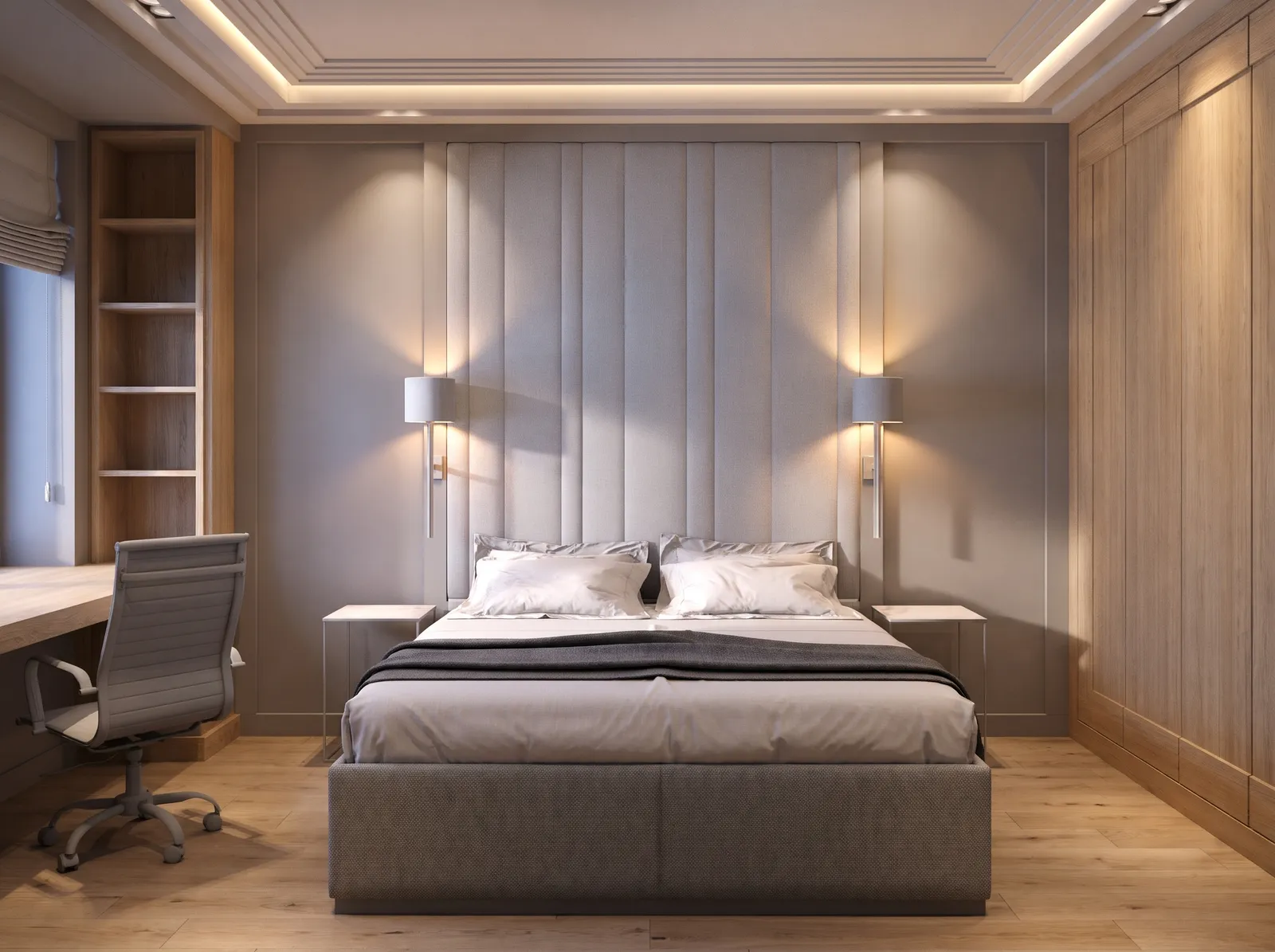
Designers and clients increasingly ask: why pay a visualizer if AI draws in a minute? The answer is “it depends on the task”. Here's an honest comparison of time, price, accuracy and control – on one and the same bedroom.
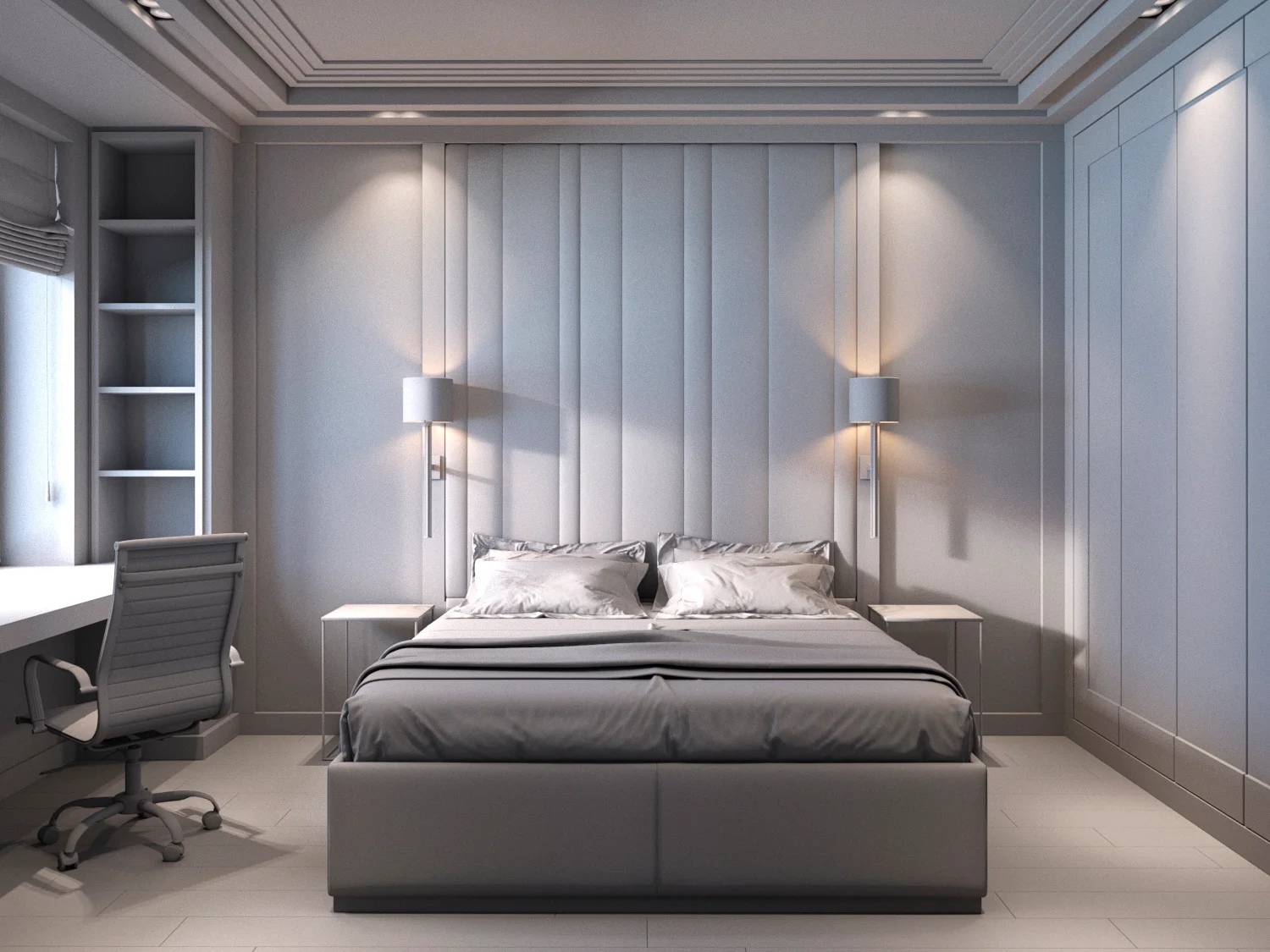
3D scene (clay render)
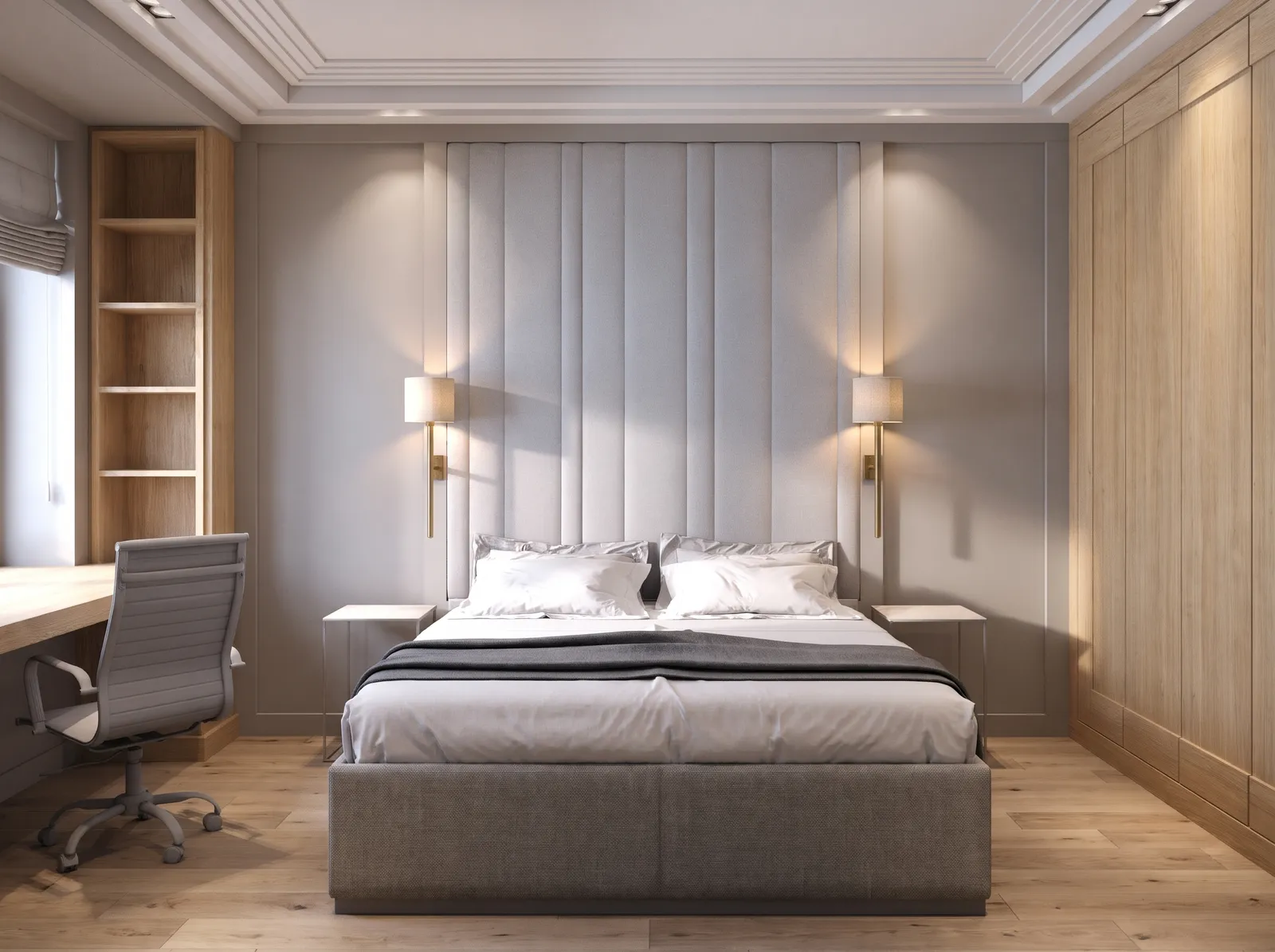
AI from the clay render, 59 s
Point by point
| AI | 3D visualizer | |
|---|---|---|
| Time per shot | about a minute | hours per scene and render, usually days per project |
| Price per shot | up to $0.55 (Nano Banana Pro, 4K) | many times higher: a specialist's work |
| What's needed as input | a photo, sketch, collage or clay render + text | a 3D model, materials, lights, cameras |
| Geometry | keeps the big things, may change details | exactly as modeled |
| Materials | “similar”, from the description | specific manufacturers' textures |
| A series of shots | details differ between shots | fully consistent |
| Edits | a new variant; one piece – “Edit part” (brush and a sample photo) | pinpoint in the scene |
| Failures | happen; here credits are refunded | depend on the contractor's schedule |
The AI price is our plan price from the database; we don't name a visualizer price – it varies widely by contractor and task.
When AI is enough
- Concept and first meeting: showing the idea, style, mood.
- Finish options while the client chooses: fronts, stone, wall color.
- Renovation in progress – showing the result from a site photo.
- Social media, portfolio, quick presentation shots.
When you need a visualizer
- Furniture and finishes will be ordered from the images – every detail must be exact.
- You need a consistent series of shots of one apartment for an album.
- Complex lighting, reflections, specific light and furniture models.
- A developer or store needs shots that will sell a specific product.
How they're combined
A handy workflow: the visualizer builds a clay model, AI shows several finish options in minutes, the client chooses, and the visualizer makes the final shots from the approved option. That saves hours on renders the client would have rejected anyway.
What it looks like in practice – in the articles “From a 3ds Max clay render to a finished image” and “How to render a SketchUp model with AI”.
FAQ
What should a client choose: AI or a visualizer?
If you need to understand the idea and choose a direction, AI is enough. If furniture and finishes will be ordered from the images and every detail must be exact, you need a visualizer with a 3D scene. Many designers combine both.
Can AI make a consistent series of shots?
Nearly: with the same request the materials match, but small things may differ in each shot. A 3D scene gives a fully consistent series.