Case Study: A Walk-In Wardrobe in 4K from a 3D Model
A simple 3D model of a wardrobe → variants → a 4K shot: walnut, brass and velvet in 1:1 crops. How generating straight in 4K differs from upscaling a finished image.
· 4 min read · CreateViz AI
A walk-in wardrobe is a room where materials decide everything: veneer, hardware, upholstery. A clay model isn't enough for a client, and a full render takes hours of setup. Here's how a simple 3D model became a 4K wardrobe, and what the details show.
The source and the first variants
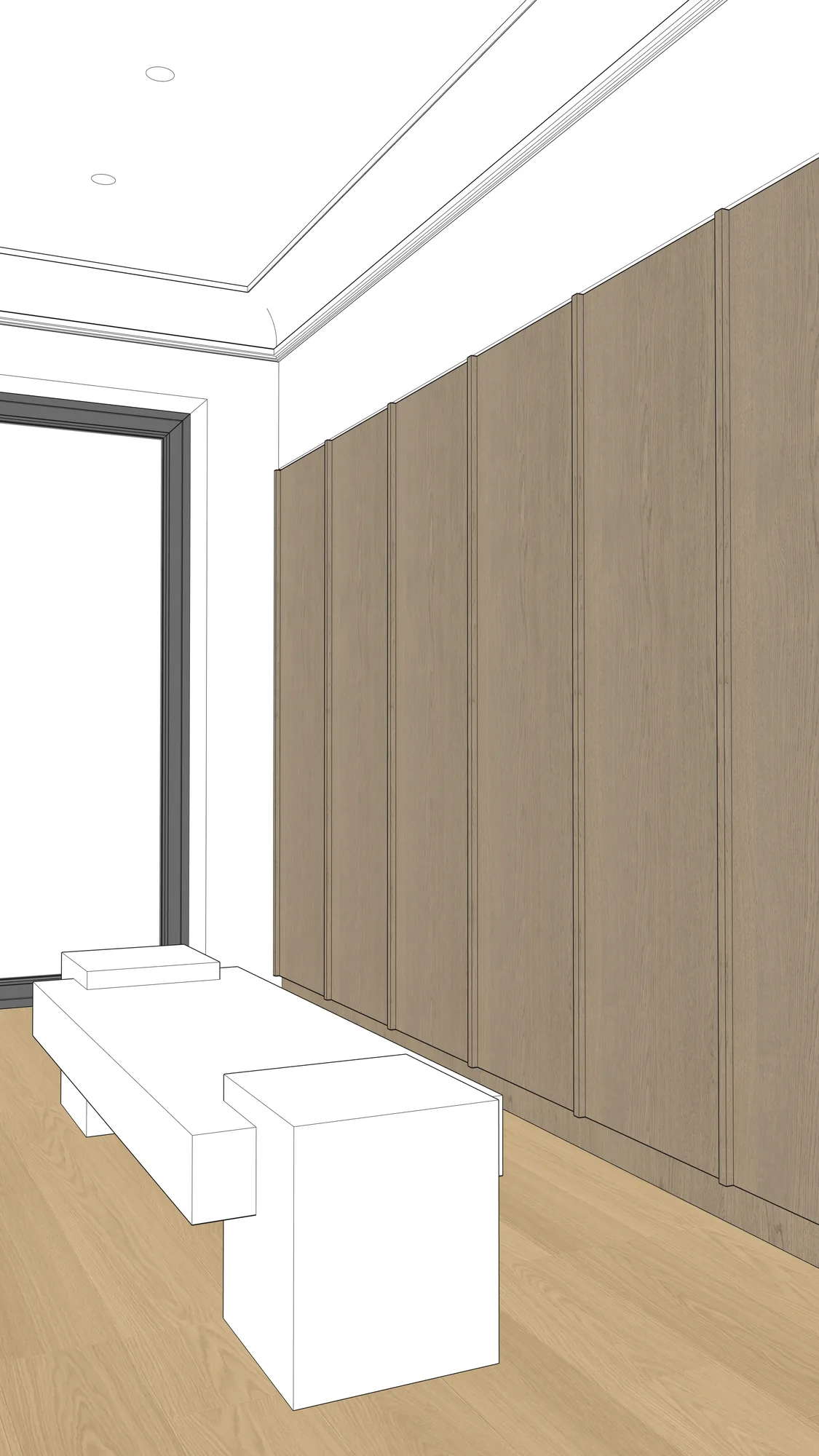
3D model
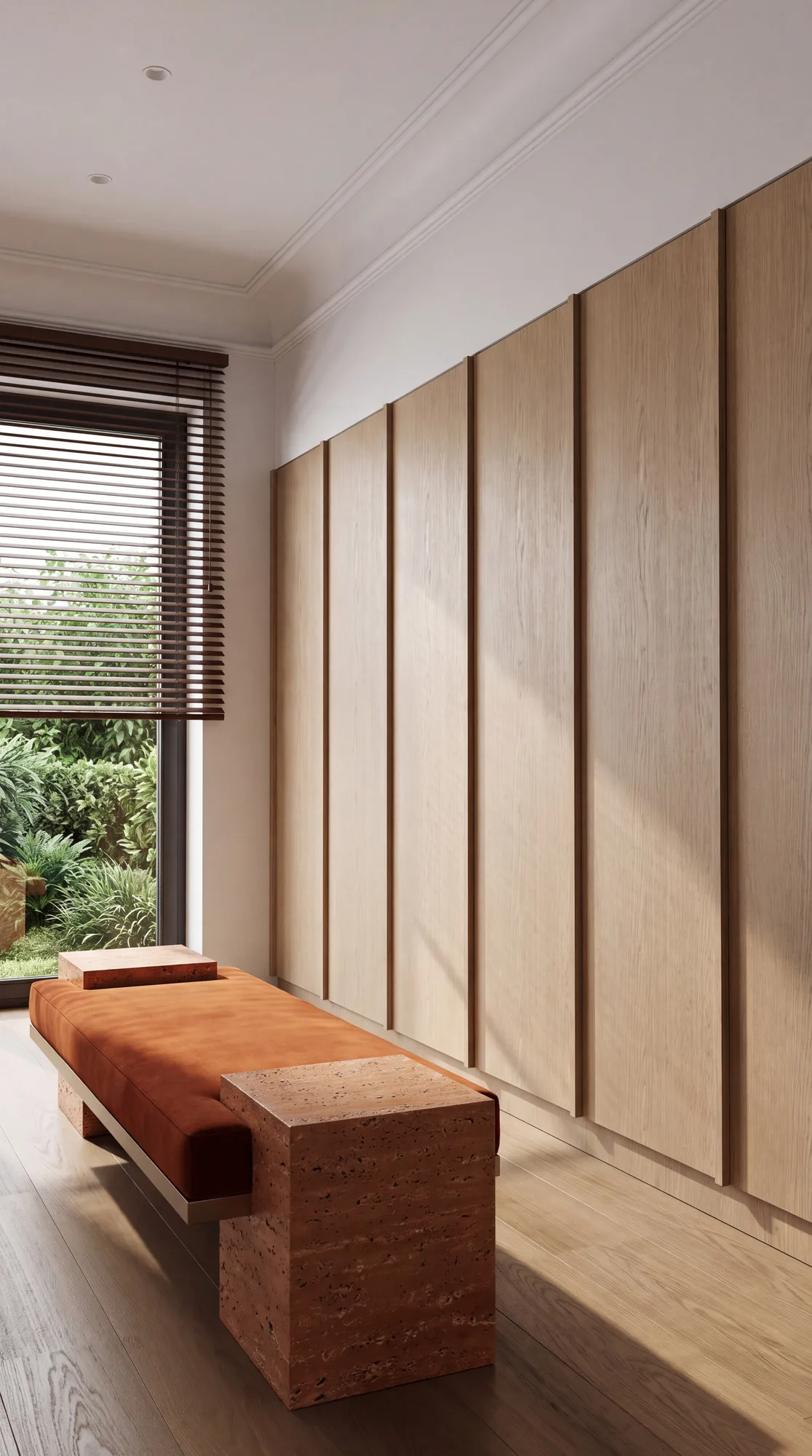
Variant from Examples
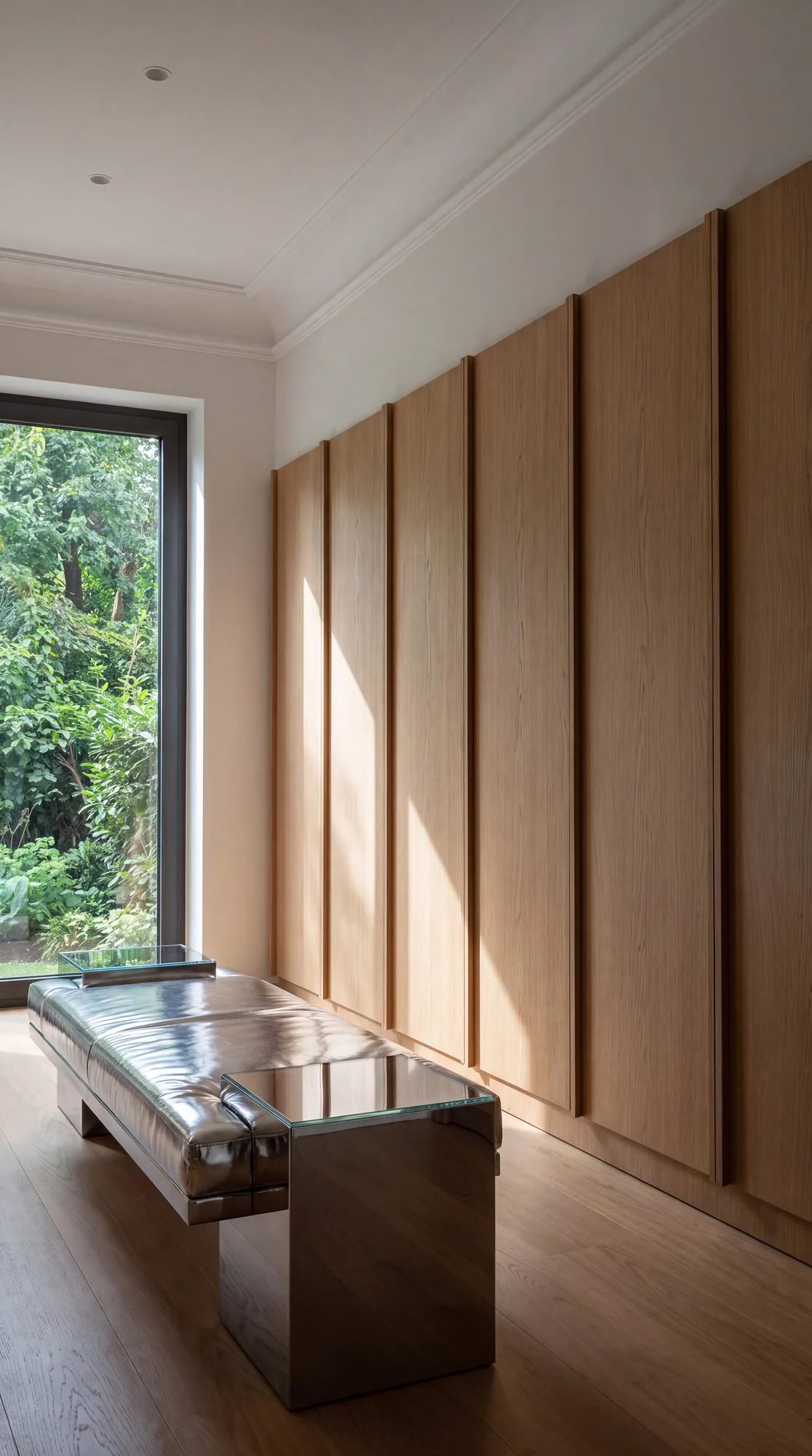
Another bench
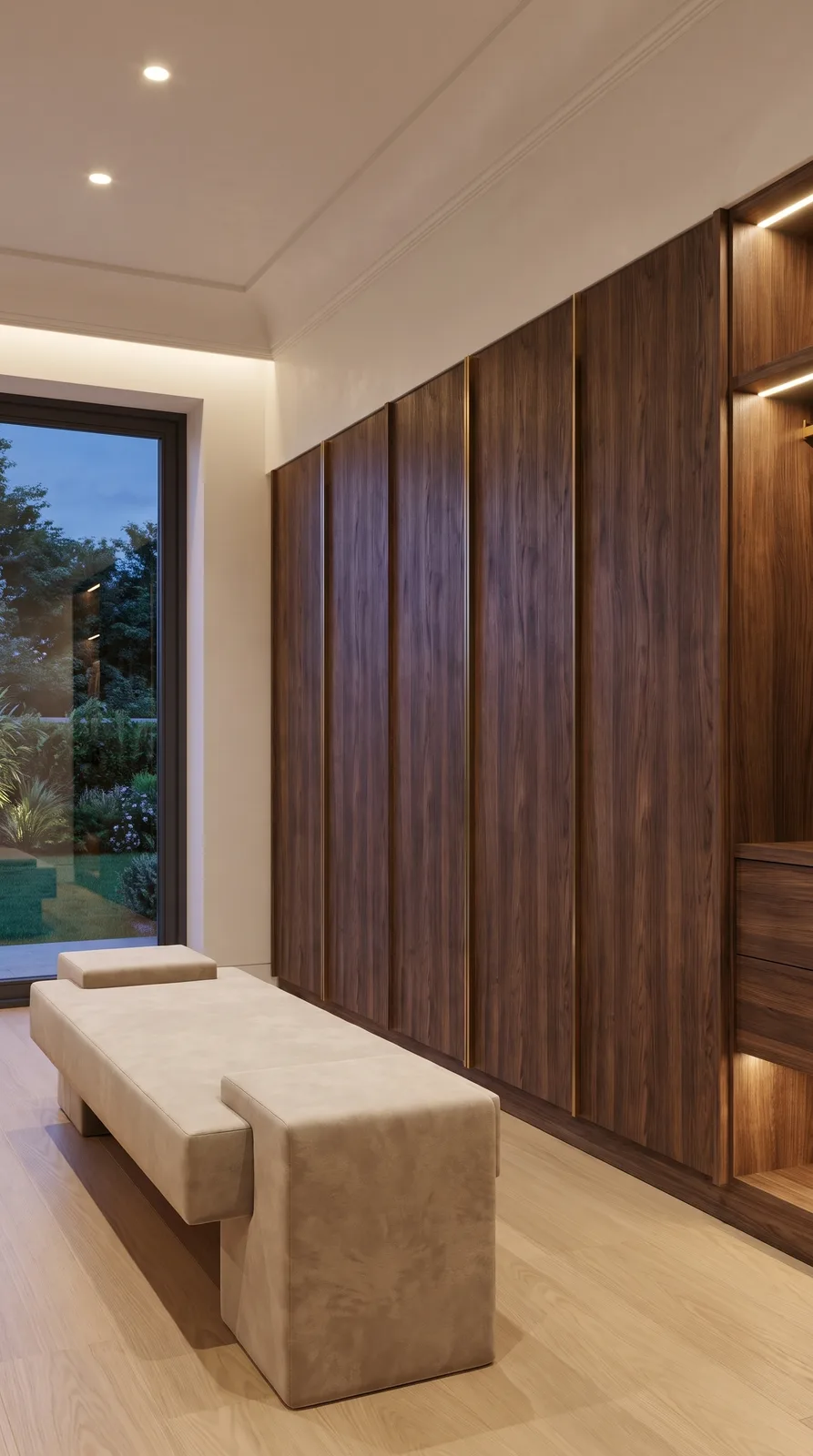
Walnut, Nano Banana Pro 2K
The first two variants are from our Examples section, the third is from the SketchUp article: dark walnut, brass strips instead of handles, a velvet bench, evening light and a garden outside. That's the one we chose for 4K.
Generating straight in 4K
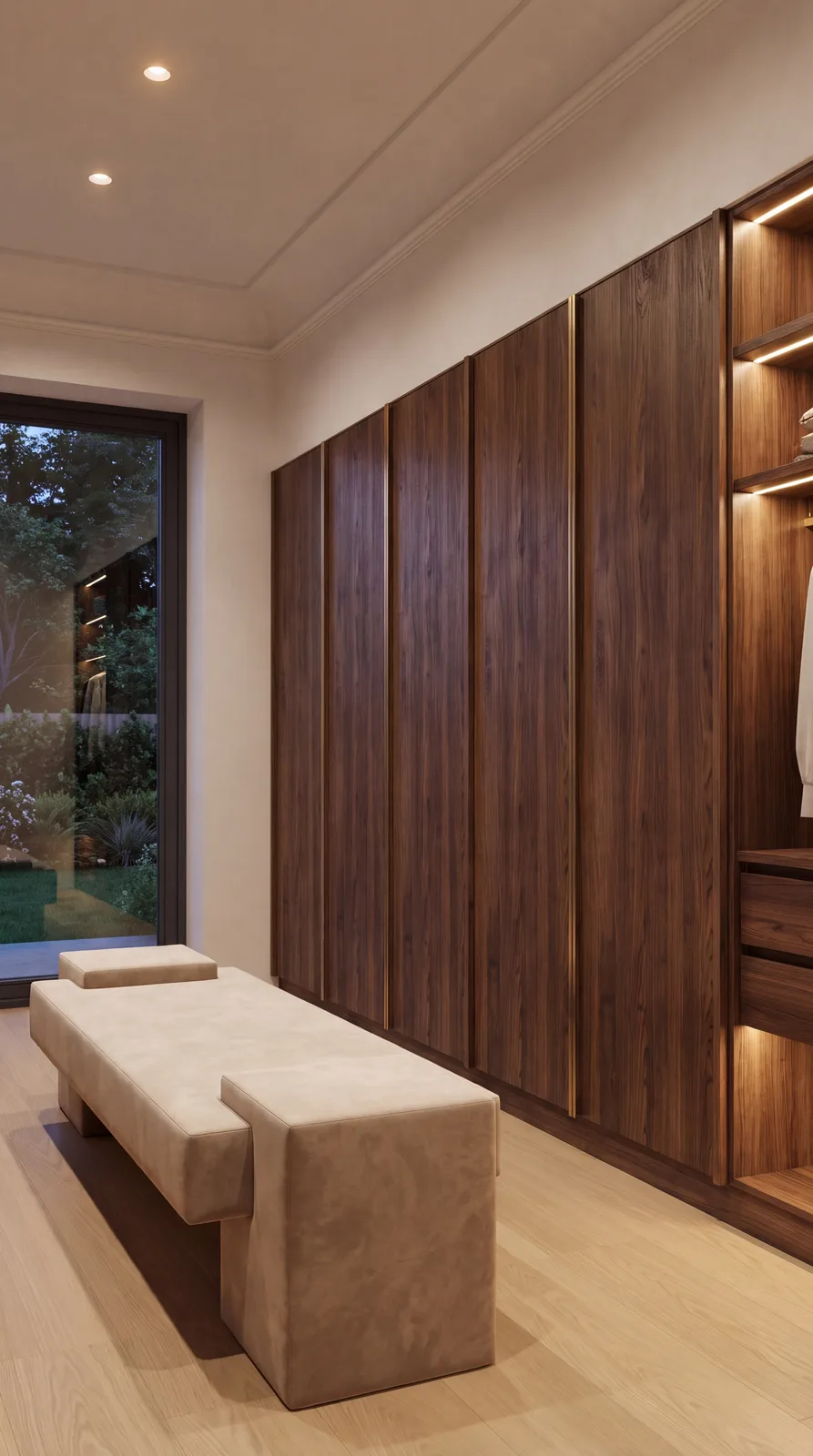
Nano Banana Pro, 4K (3072 × 5504), 112 s
We sent the same request in 4K. The shot almost matched the 2K variant: the angle, cabinets, bench and window are in the same places. The differences are small but real: clothes appeared in the open section on the right, it's lighter outside – no longer evening – and the window is slightly narrower. It's a new generation, not an upscale, so every run is a bit different.
What 4K shows
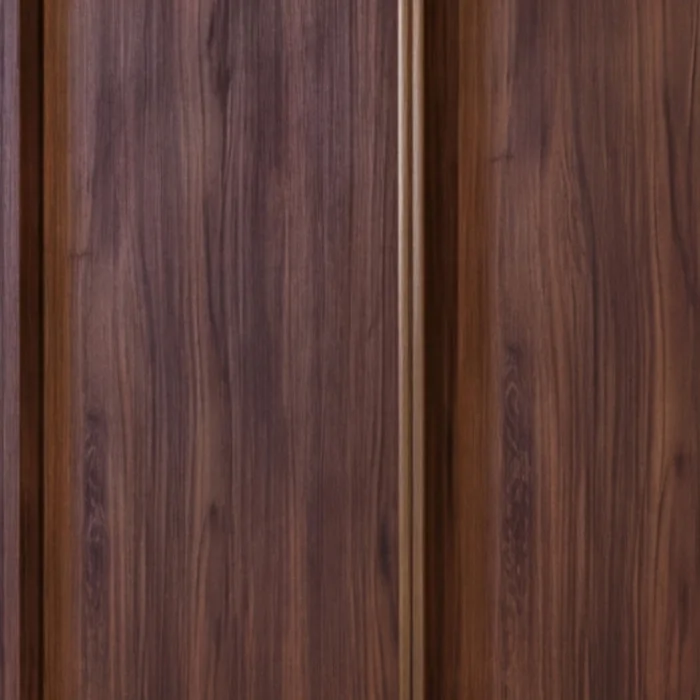
Walnut and brass, 1:1 crop
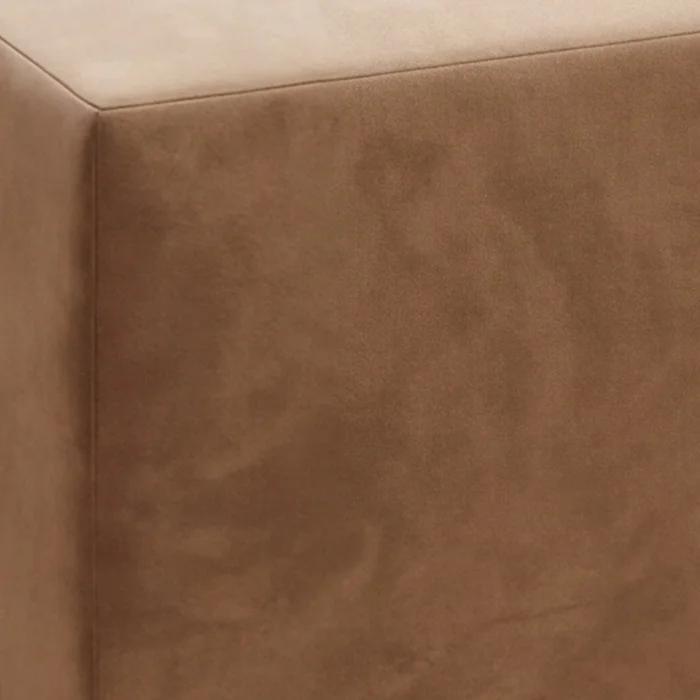
Velvet, 1:1 crop
- The walnut grain reads like real veneer, and the brass strip is straight, with a highlight.
- On the velvet you can see the pile lie differently on the bench's edges.
- Such crops are ready-made shots for presenting materials to the client.
Price
| What | Price |
|---|---|
| Nano Banana Pro, 2K | 10 credits ($0.37) |
| Nano Banana Pro, straight 4K | 15 credits ($0.55) |
| Upscale a finished 2K to 4K | 10 credits ($0.37) |
In brackets – in money on the Start plan.
How to choose a resolution for the task – in the article “1K, 2K or 4K”. More “3D model → photo” examples are on the AI interior rendering page.
FAQ
Generate in 4K straight away or upscale a finished image?
If you've already picked the composition, upscale it with “Download in 4K”: the shot stays the same. A new generation straight in 4K is a new attempt: the angle and details may differ from your good 2K variant.
What is a 4K wardrobe image for?
For print, large screens and close-up crops: in 4K you can see the walnut grain, the brass strips and the velvet pile. 2K is enough for a phone screen.